Make Design Innovate
  • Home
  • About
    • Certifications/ Badges
  • Presentations
  • Blog/Lesson Share
  • Home
  • About
    • Certifications/ Badges
  • Presentations
  • Blog/Lesson Share

"Technology's Impact on Society" STEAM & Innovation Choice Board

1/6/2022

0 Comments

 
We created this STEAM Innovation Choice Board that is aligned to 5th grade's ELA Benchmark Unit 5: Technology but feel free to use it with your students even if you don't use that ELA curriculum or grade level!
This choice board was designed because we know students gravitate towards certain innovation activities over others, especially in the remote learning setting. These can easily done as an independent learning station in the ELA classroom.
The activity options include the following:
  • WATCH: embedded videos are linked on the slide deck (to keep them from being distracted on YouTube).
  • MAKE: these are hands-on, engineering type of activities and are linked to a slide with more instruction. Feel free to take the slide and assign separately from the board if you wish your students to just work on that one activity.
  • CREATE: similar to Make activities, these are more robust innovation creation activities with further direction & tutorials. Teachers can copy this slide and assign separately if desired. NOTE: Some may need you to create a class code (Write Reader, Flipgrid, etc) so please review before assigning.
  • LEARN: these activities include read-alouds or links to books and/or websites related to topic. NOTE: Please remove Brainpop and/or Epic if your students do not have access.
  • PLAY: these activities are online game-like activities according to theme.
The goal is not for students to complete all activities, rather to choose multiple options and to show their learning through the Digital Innovation Journal.

We believe  these options will supplement and extend their learning in ELA. Please feel free to modify the lesson and directions for your own students.

Let us know how it goes, we are constantly modifying & innovating for our teachers and students! Stay tuned for lots more!

​~ Christine and Marla (co-creators of Innovation & STEAM activities for San Marcos Unified School District)
Preview
Your Copy
0 Comments

Green Technology STEAM & Innovation Choice Board

1/6/2022

0 Comments

 
We created this STEAM Innovation Choice Board that is aligned to 4th grade's ELA Benchmark Unit 5: Technology but feel free to use it with your students even if you don't use that ELA curriculum or grade level!
This choice board was designed because we know students gravitate towards certain innovation activities over others, especially in the remote learning setting. These can easily done as an independent learning station in the ELA classroom.
The activity options include the following:
  • WATCH: embedded videos are linked on the slide deck (to keep them from being distracted on YouTube).
  • MAKE: these are hands-on, engineering type of activities and are linked to a slide with more instruction. Feel free to take the slide and assign separately from the board if you wish your students to just work on that one activity.
  • CREATE: similar to Make activities, these are more robust innovation creation activities with further direction & tutorials. Teachers can copy this slide and assign separately if desired. NOTE: Some may need you to create a class code (Write Reader, Flipgrid, etc) so please review before assigning.
  • LEARN: these activities include read alouds or links to books and/or websites related to topic. NOTE: Please remove Brainpop and/or Epic if your students do not have access.
  • PLAY: these activities are online game-like activities according to theme.
The goal is not for students to complete all activities, rather to choose multiple options and to show their learning through the Digital Innovation Journal.
​
We believe  these options will supplement and extend their learning in ELA. Please feel free to modify the lesson and directions for your own students.

Let us know how it goes, we are constantly modifying & innovating for our teachers and students! Stay tuned for lots more!

​~ Christine and Marla (co-creators of Innovation & STEAM activities for San Marcos Unified School District)
Preview

Your Copy

Innovation Option #2
This Renewable Energy Slide Deck (preview | copy) is another innovation option for 4th grade teachers aligned to BM Unit 5. We created it for Unit 3 5th grade but we can see how much it relates to your essential question for this unit.
Please check it out and see if it's helpful for supplement and/or extension to your teaching. As always, please feel free to use as is or modify for your own class' needs.
We believe both these options will supplement and extend their learning in ELA. Please feel free to modify the lesson and directions for your own students.
Let us know how it goes, we are constantly modifying & innovating for our teachers and students! Stay tuned for lots more!

​~ Christine and Marla (co-creators of Innovation & STEAM activities for San Marcos Unified School District)
0 Comments

"Our Great Innovators" Innovation Unit

1/6/2022

 
Here's an Innovation Unit aligned to 3rd grade's ELA Benchmark Unit 5: Technology but feel free to use it with your students even if you don't use that ELA curriculum or grade level!
Students 
will learn about various innovators who have made a difference in our world. They will then choose one innovator to dive in deeper into researching. Some teachers may choose for them to write, create speeches, or presentations in class. Some may assign for asynchronous work to supplement Unit 5 learning.
Make sure to check out the exciting innovation creation choices! As always, please feel free to make a copy (your copy here) and modify for your own students and instruction needs.

We believe these options will supplement and extend their learning in ELA and be a fun innovative approach to learning about innovation...past, present & future!

Let us know what you think,

​~ Christine and Marla (co-creators of Innovation & STEAM activities for San Marcos Unified School District)

A HUGE thank you to the Double Peak School 3rd Grade Team for sharing their work with us for a launching point under the Discover and Research phases! We appreciate your willingness to share your work with San Marcos Unified and educators beyond!

Celebrate Computer Science Choice Board

10/20/2021

0 Comments

 
CSEdWeek is an annual program to inspire K-12 students to take interest in computer science.  Code.org organizes CSEdWeek as an "Hour of Code" campaign to encourage every student to code for at least one hour (but I say they can code for MORE!)

Every year I host a school-wide Hour of Code celebration complete with tracking cards, raffle tickets, prizes and more! This year Hour of Code/CSEdWeek is December 6th-12th and I highly encourage you to join the movement (sign up here).
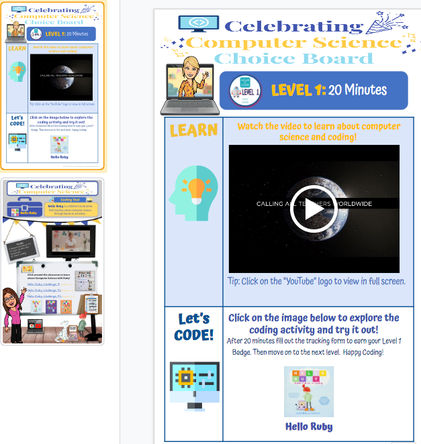
Marla Rosenthal and I designed this Computer Science Choice Board to make it easy for teachers and fun for students to learn about computer science while exploring the many coding platforms.  Click here to watch a tutorial on the many ways you can use this choice board with your students. I plan on launching this for CSEdWeek then students can use all year long!

Check it out and feel free to make a copy and modify for your own computer scientists.
Let me know how it goes! 
Happy Coding!
~Christine
​
TK-8 Version (entire choice board)
  • (Preview)    (Your Copy)
TK-2 Version (modified from choice board for our youngest coders)
  • Level 1 (preview) (your copy)
  • Level 2 (preview) (your copy)
  • Level 3 (preview) (your copy)
  • Level 4 (preview) (your copy)
  • Level 5 (preview) (your copy)
  • Level 6 (preview) (your copy)
  • Level 7 (preview) (your copy)
  • Level 8 (preview) (your copy)
  • Levels 9-10 students can choose any of the above
Picture
  • Hour of Code (Levels 1-10) Digital Stickers (preview) (your copy)
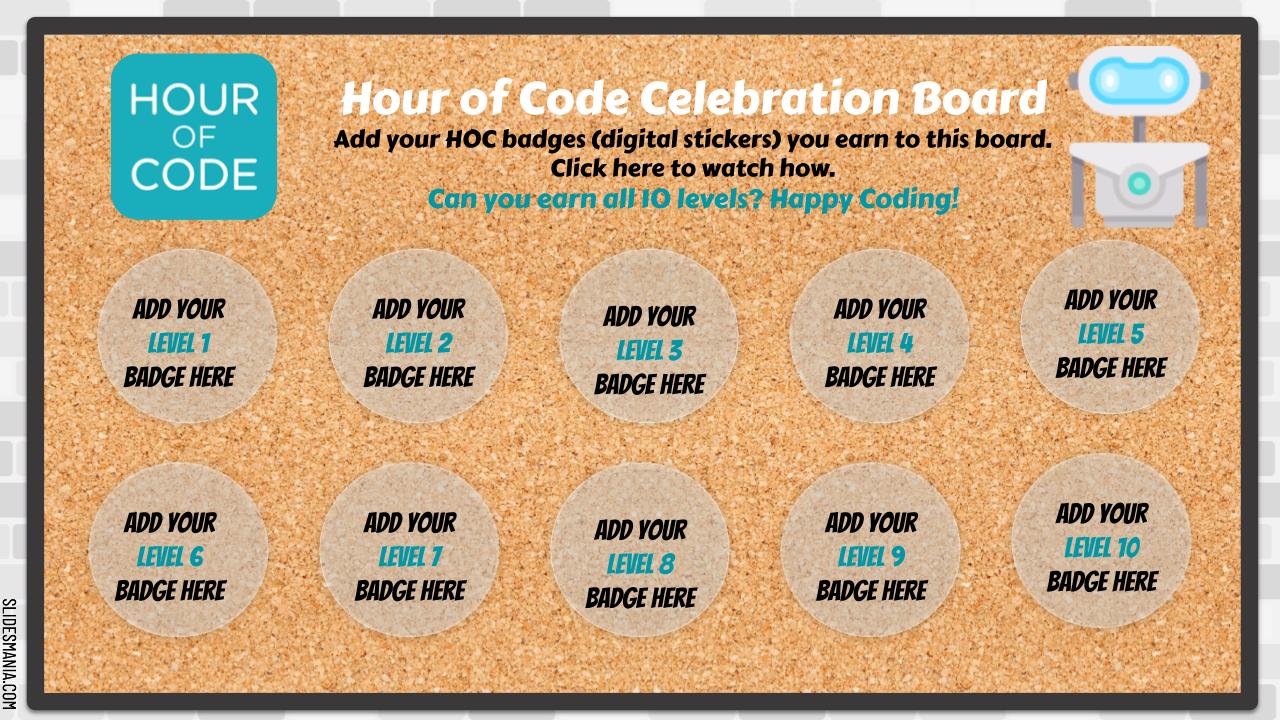
  • Sticker Celebration Board  (your copy)
0 Comments

Innovation Bootcamp: Back to School Edition

8/7/2021

 
UPDATE: I plan on revamping these Bootcamp lessons this year using Google's AMAZING Applied Digital Skills lessons. There are so many already done lessons with video tutorials for your students.  Feel free to take a copy of the Bootcamp and change the videos to Googles! They are definitely better than the videos I created for my students :)

Here are Innovation Bootcamp lessons that focus on teaching students beginning of the year computer skills as well as Digital Citizenship (DC). The goal is to teach the technology skills to students to make it easy for teachers to utilize the tools in their instruction.

Please see below for the breakdown of lessons by grade level.
Teachers can break it into 5 different lessons or send the entire Boot Camp challenge at once. Please make sure to look over it carefully as there are steps teachers need to take to set it up for their own students.
The lessons are across multiple grade levels within TK-2 and 3-5 but all lessons can be used for all grades.
 Feel free to make a copy and modify for  your own student innovators!
​
Thanks to my #STEAMDream teammate, Marla Rosenthal, for collaborating in all of this for our district and so we can share far and wide!

K-2nd Innovation Bootcamp 
Preview/Copy

1: Computer Intro & Care/DC
2: Seesaw Basics/DC
3: Seesaw Basics/DC
4: Seesaw Basics/DC
5: Flipgrid/DC
3rd-5th Innovation Bootcamp
Preview/Copy
1: Computer Intro & Care/DC
2: Flipgrid/DC
3: Google Drawings/DC
4: Google Slides/DC
5: Google Docs/DC

Earth Science Innovation Choice Boards

4/20/2021

 
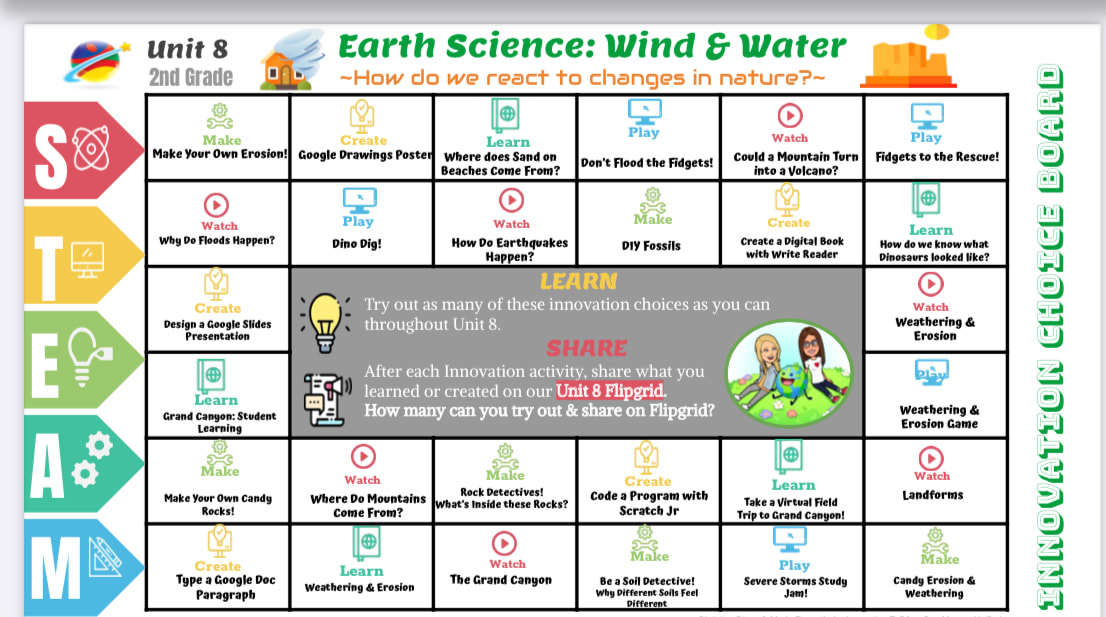
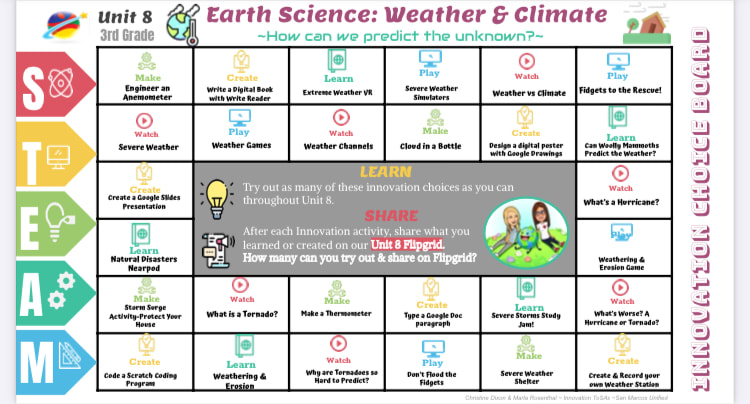
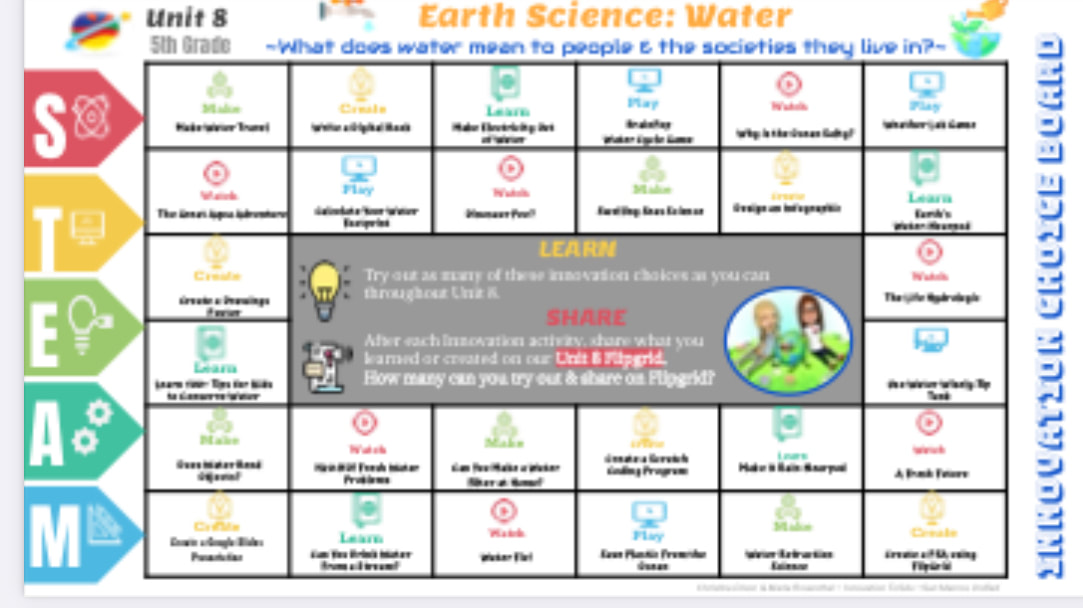
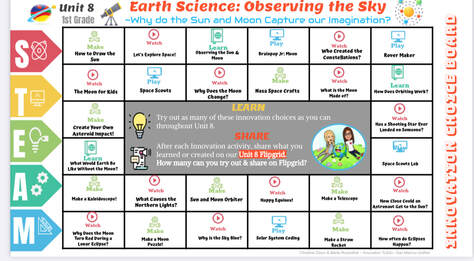
My friend & STEAM teammate, Marla Rosenthal and I designed these choice boards for our district's ELA Unit 8 Benchmark Earth Science curriculum.  We made them into choice boards because we know students gravitate towards certain innovation activities over others. 
The activity options include the following:
  • WATCH: embedded videos are linked on the slide deck (to keep them from being distracted on YouTube).
  • MAKE: these are hands-on, engineering type of activities and are linked to a slide with more instruction. Feel free to take the slide and assign separately from the board if you wish your students to just work on that one activity.
  • ​CREATE: similar to Make activities, these are more robust innovation creation activities with further direction & tutorials. Teachers can copy this slide and assign separately if desired. NOTE: Some may need you to create a class code (Write Reader, Flipgrid, etc) so please review before assigning.
  • ​LEARN: these activities include read alouds or links to books and/or websites related to topic. NOTE: Please remove Epic if your students do not have access.
  • PLAY: these activities are online game-like activities according to theme.
We are happy to share these with any and all educators. Please feel free to make copy & modify for your own student innovators. However, please keep our name & district credit at footnote intact.  
Follow me to keep updated on everything I share freely in the name of innovation!
~Better Together,
Christine
Insta: @makedesigninnovate
Twitter: @christinekdixon

1st  Grade  Earth Science: Observing the sky
Picture
Preview ~ Your Copy

2nd  Grade  Earth  Science:  Wind  &  Water

​Preview ~ Your Copy

3rd  Grade  Earth Science: Weather&  Climate

​Preview ~ Your Copy

4th   Grade  Earth   Science:  Earth's  Changes

​Preview ~ Your Copy

5th   Grade   Earth  Science:  Water

​​Preview ~ Your Copy

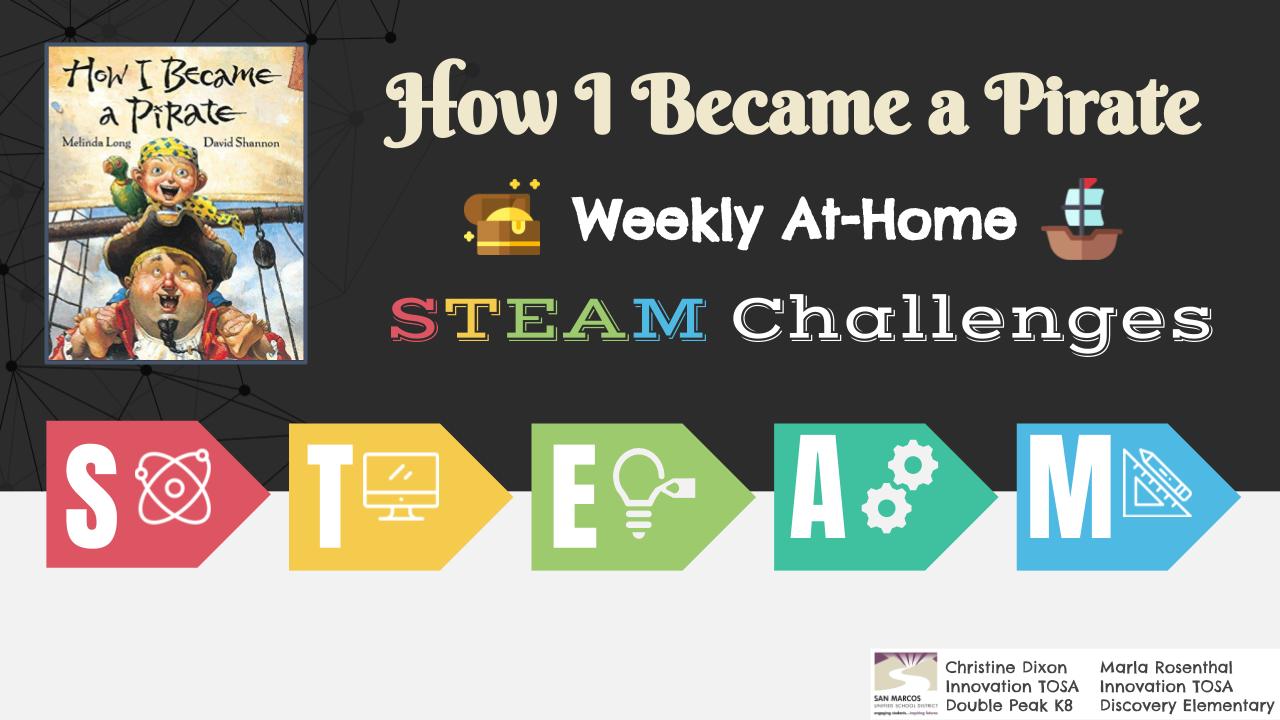
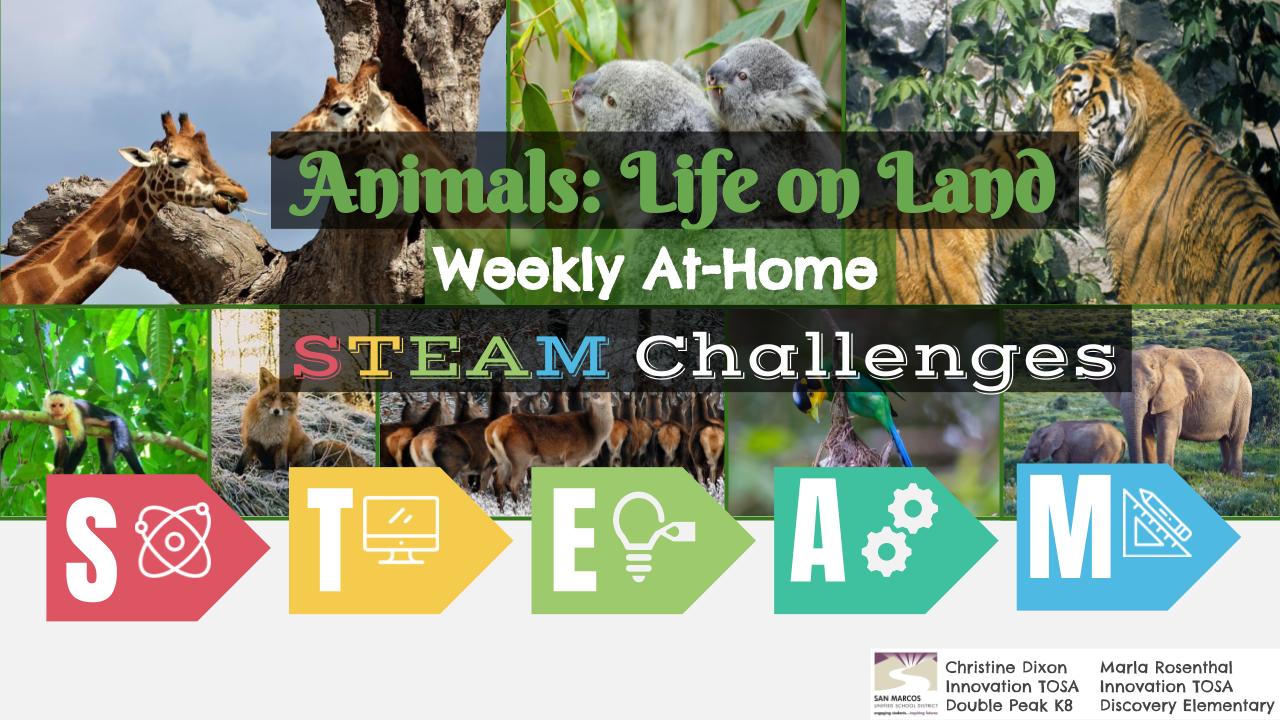
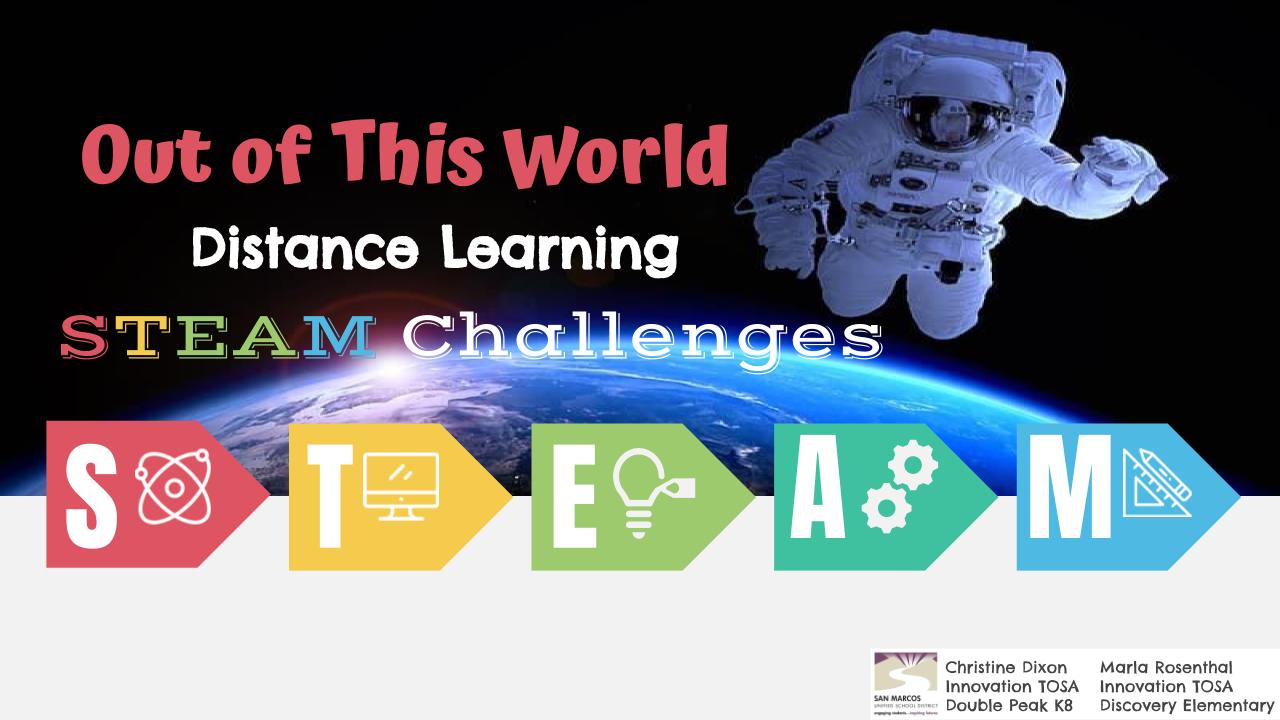
Weekly At Home #STEAM Challenges

3/15/2021

 
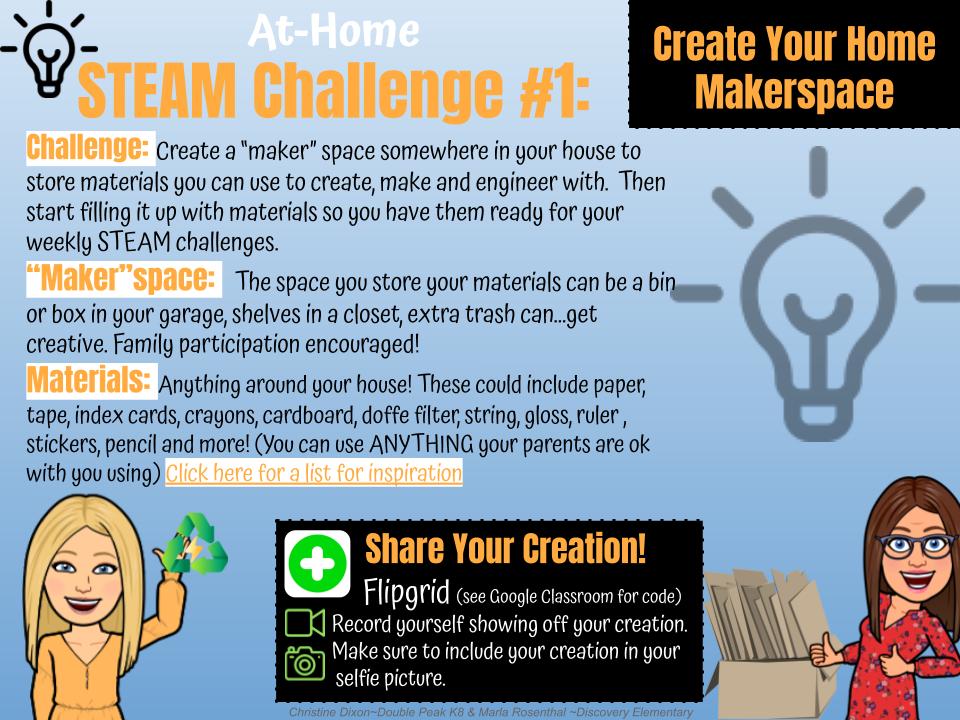
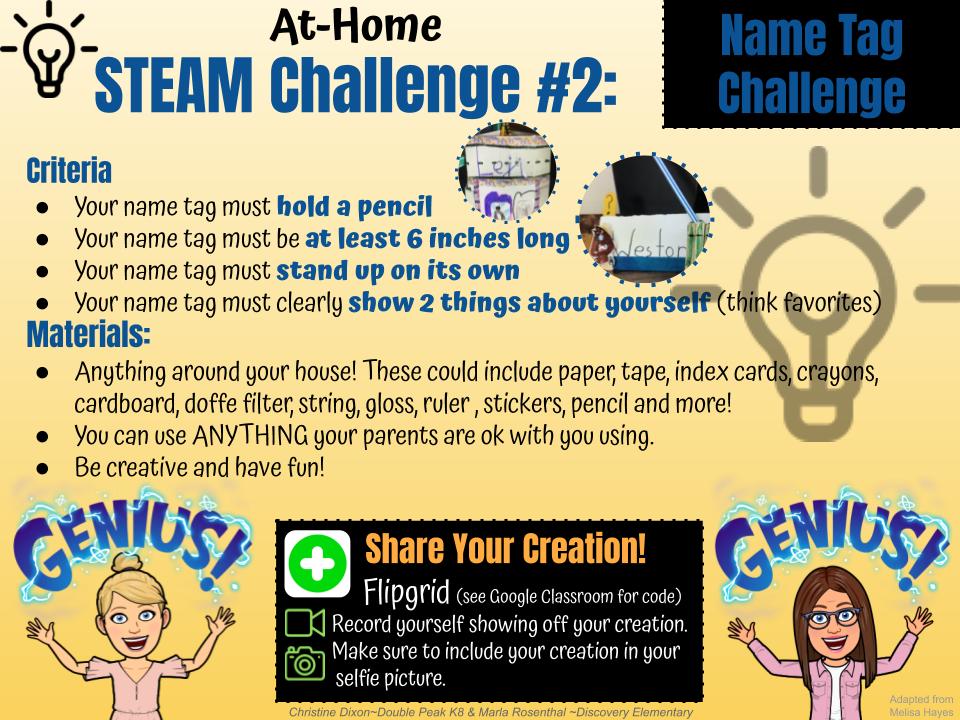
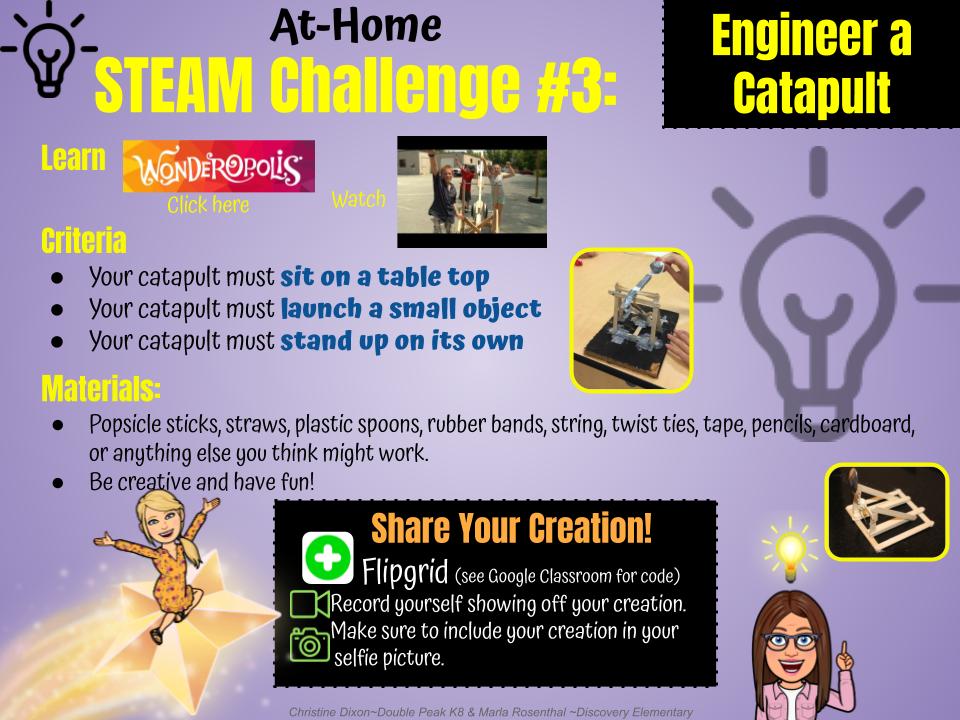
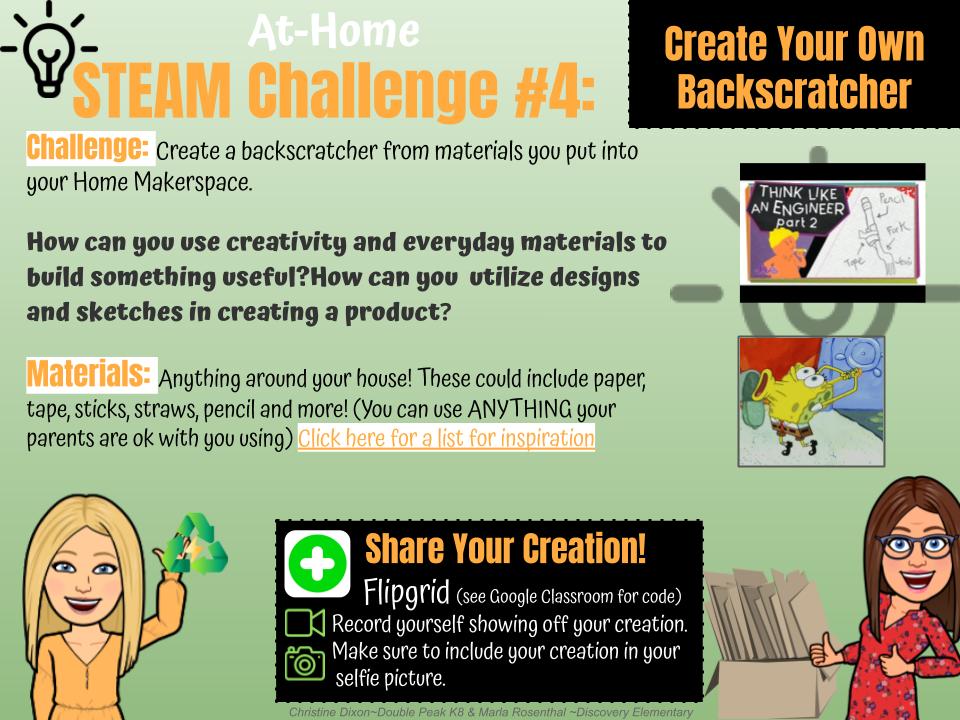
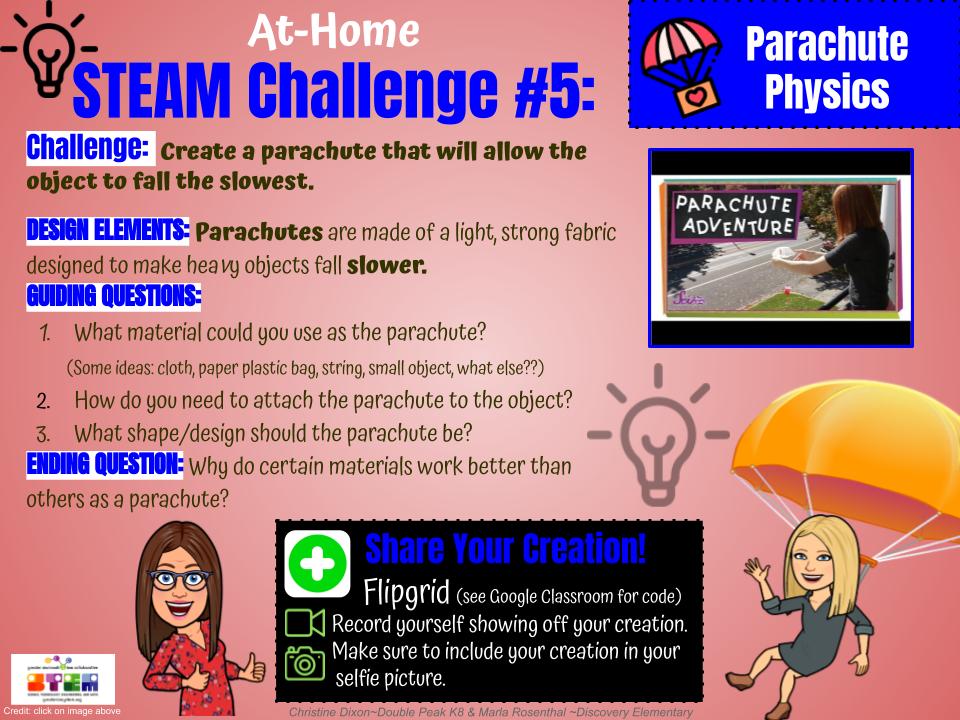
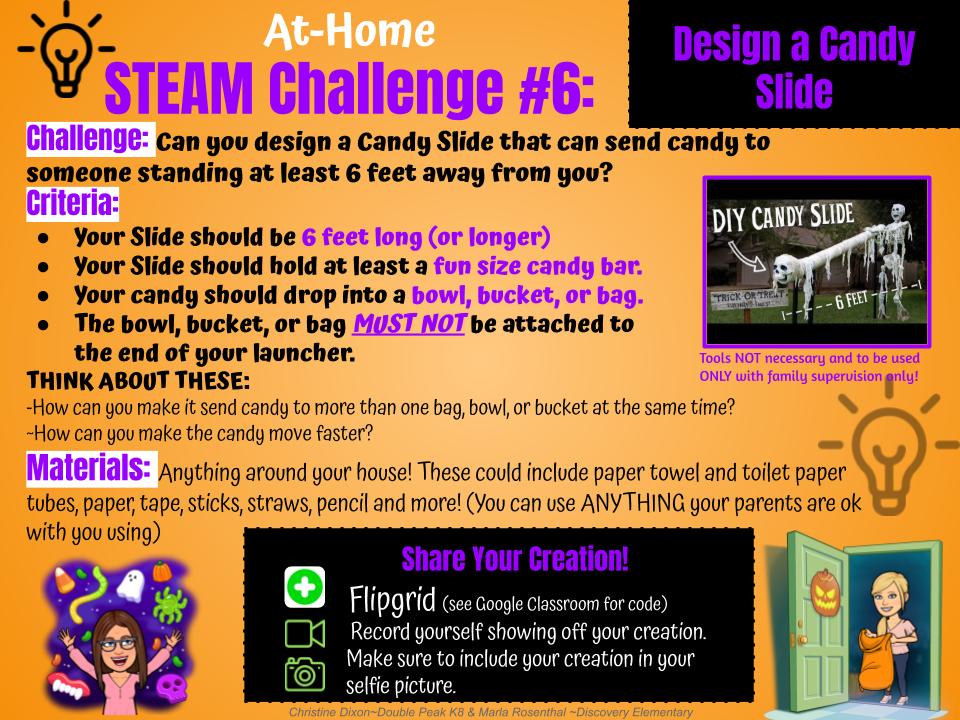
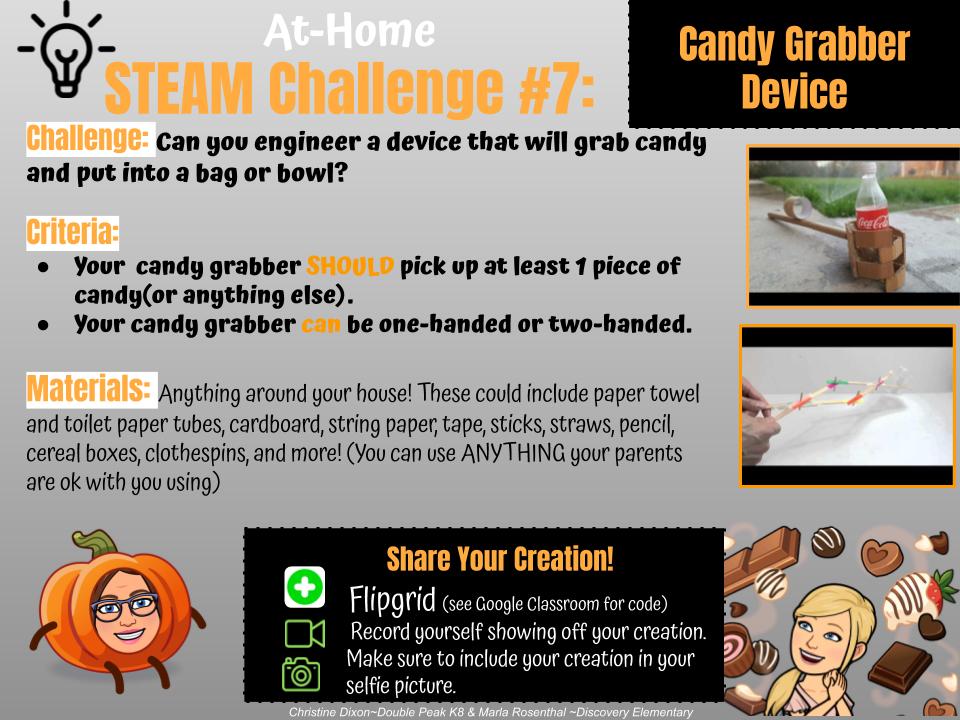
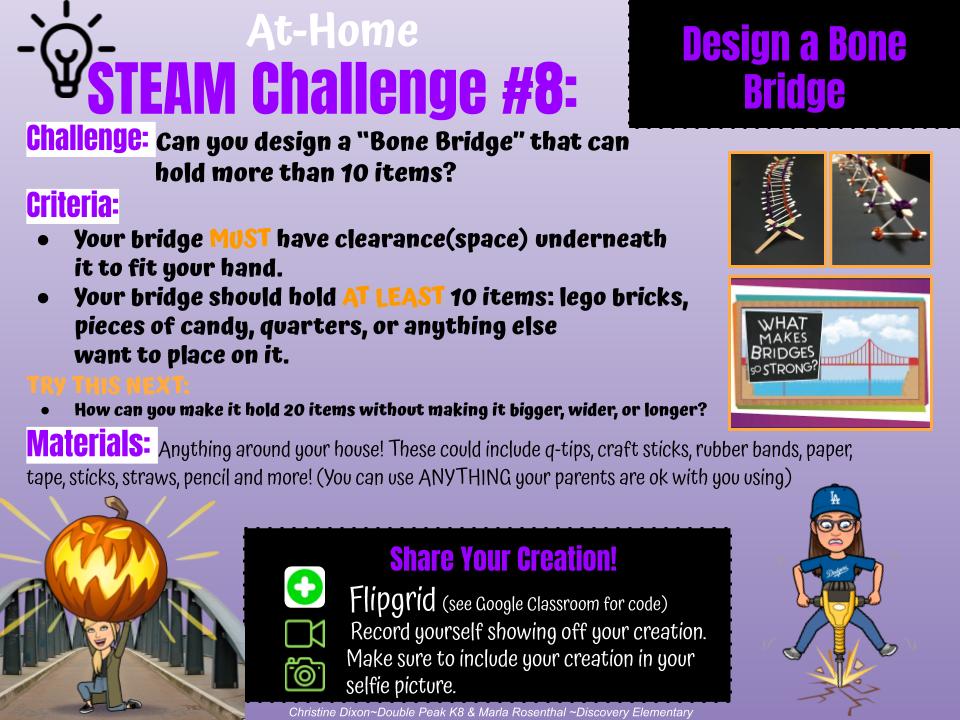
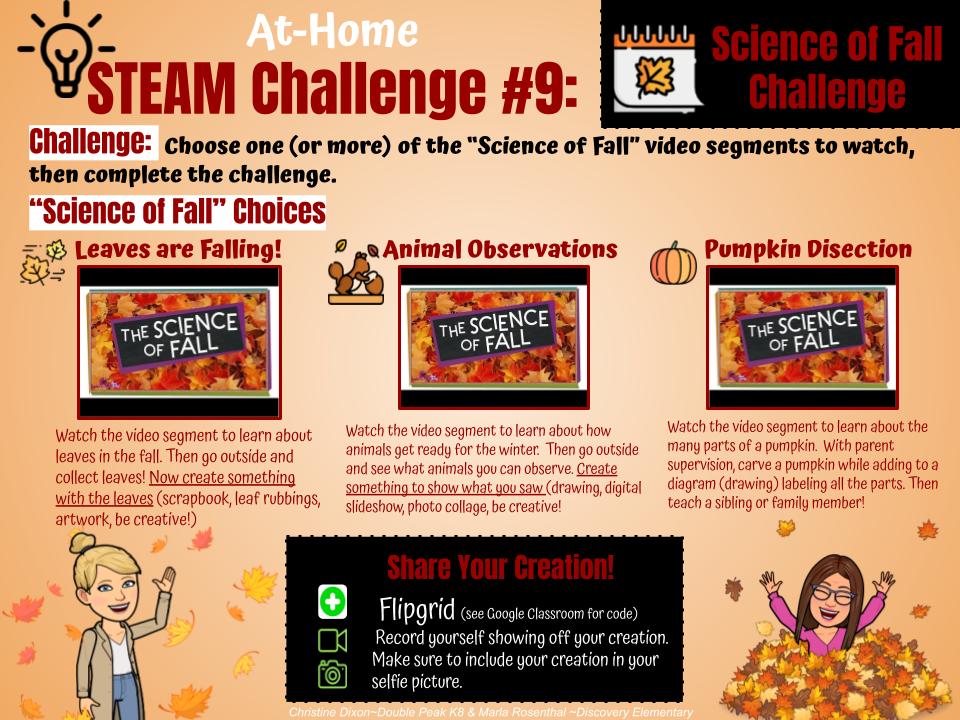
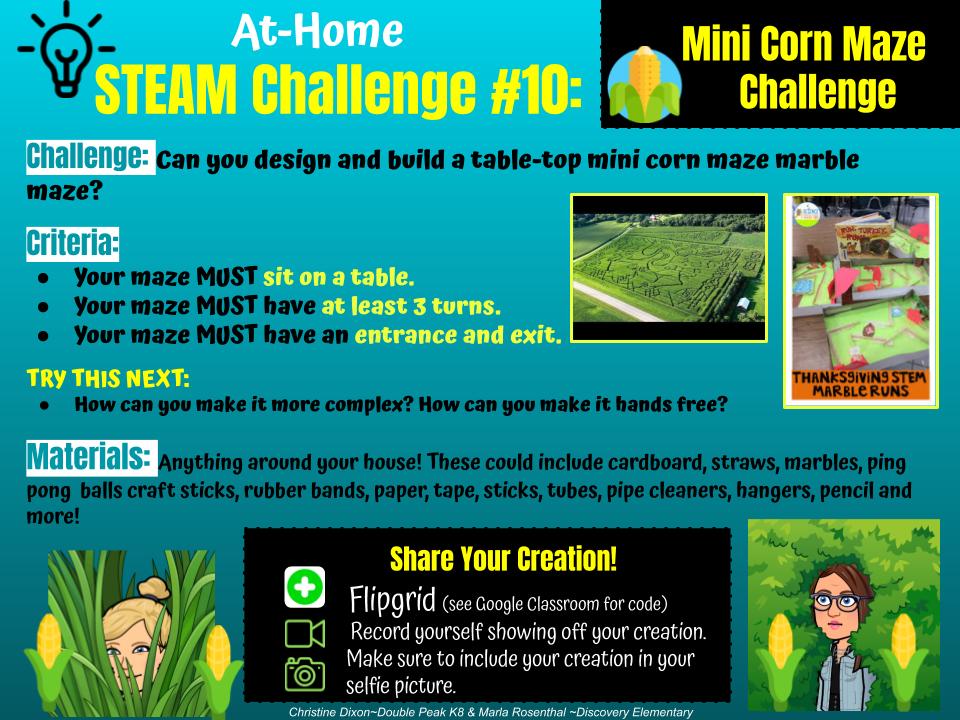
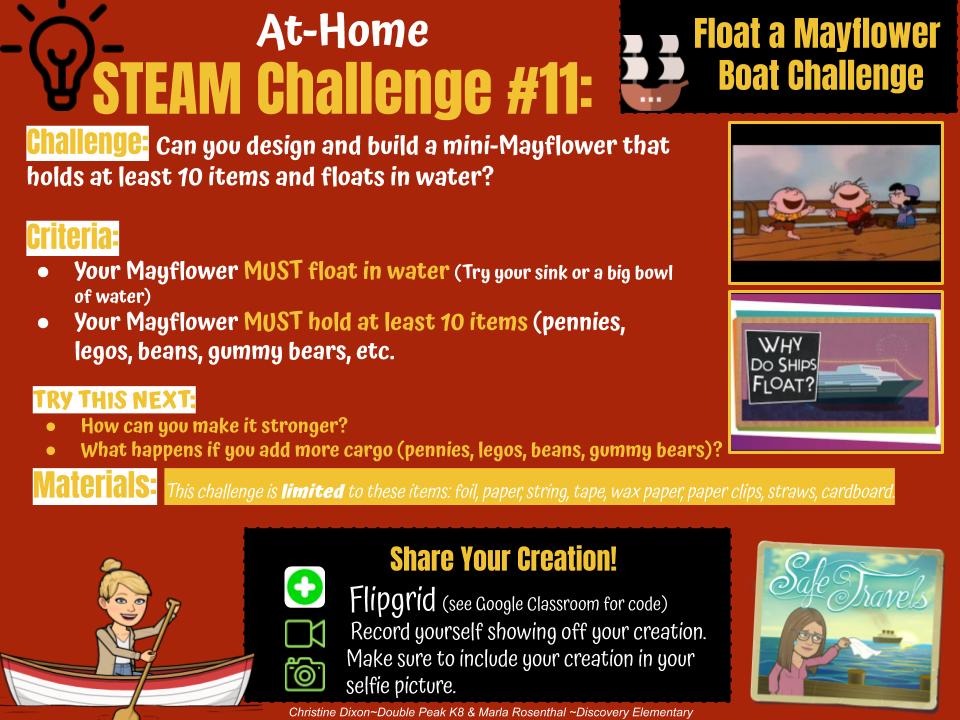
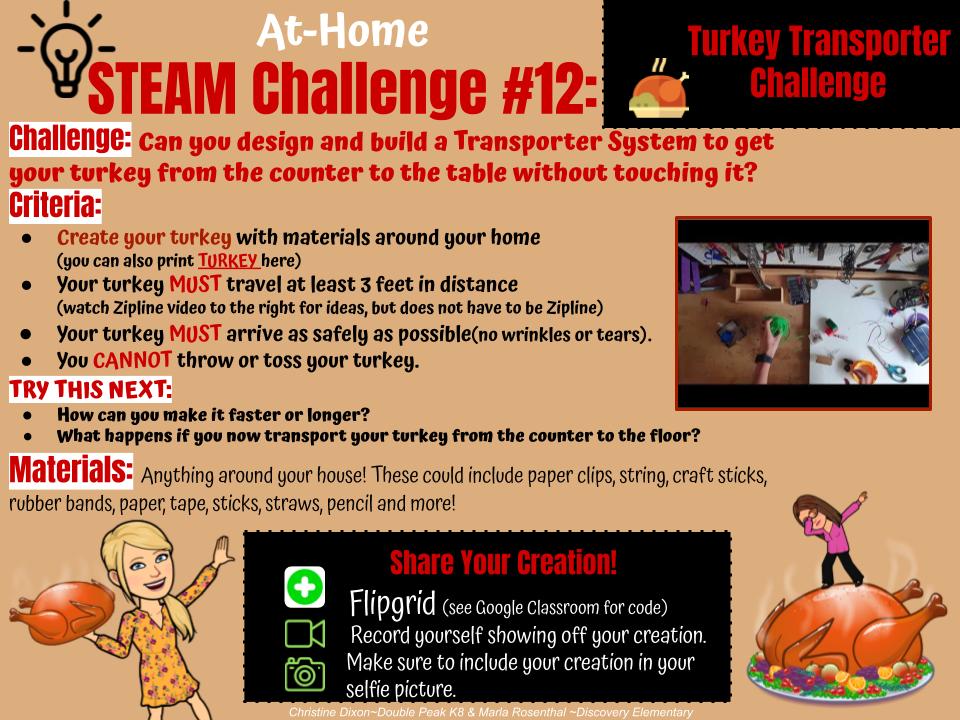
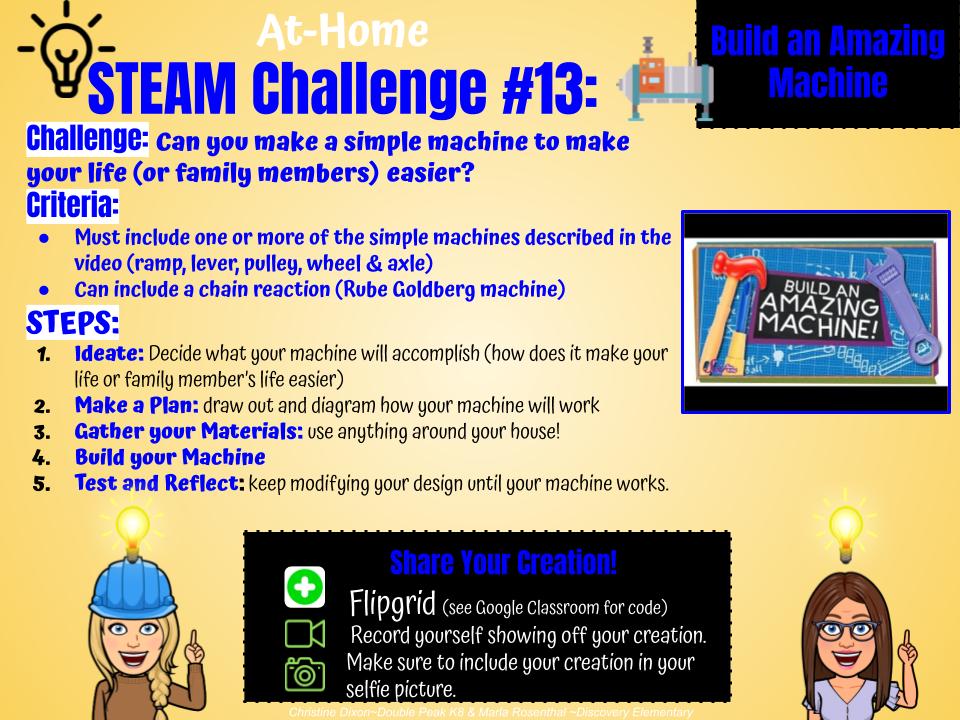
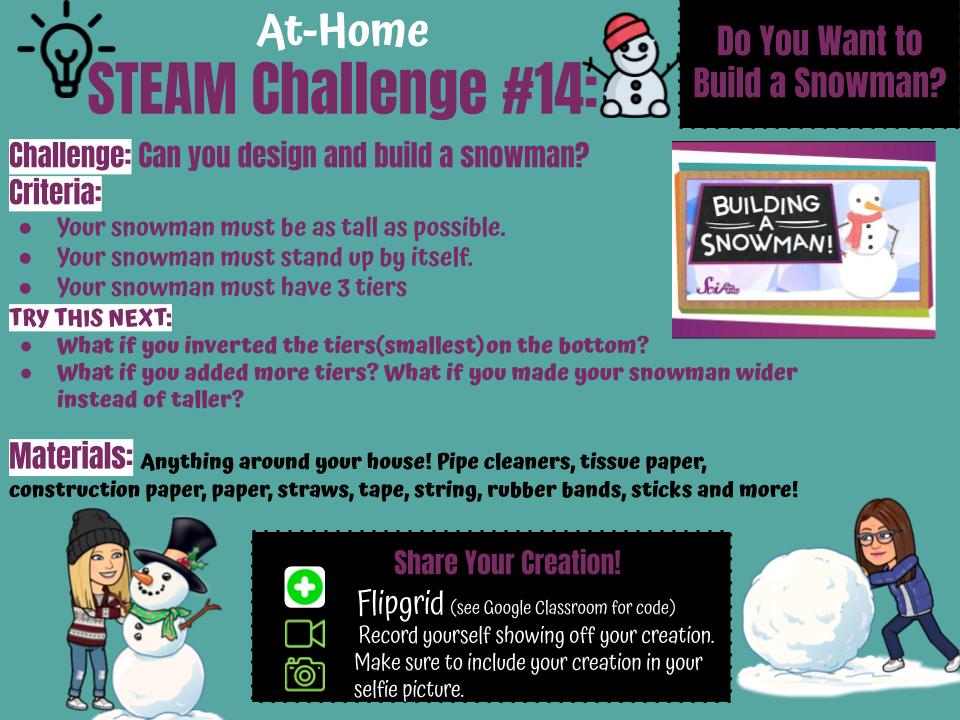
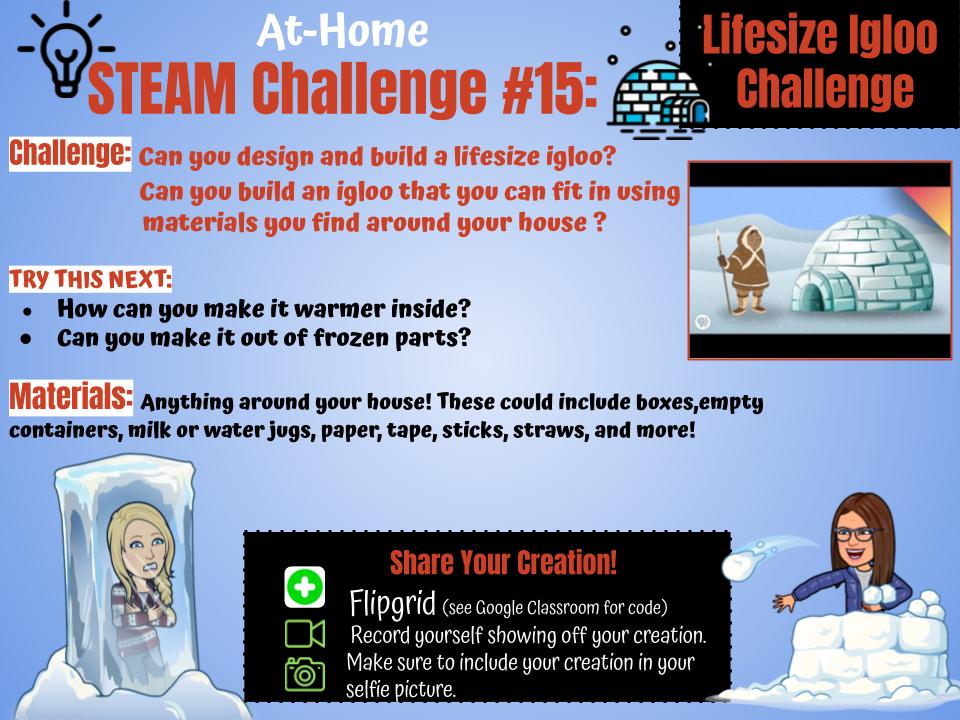
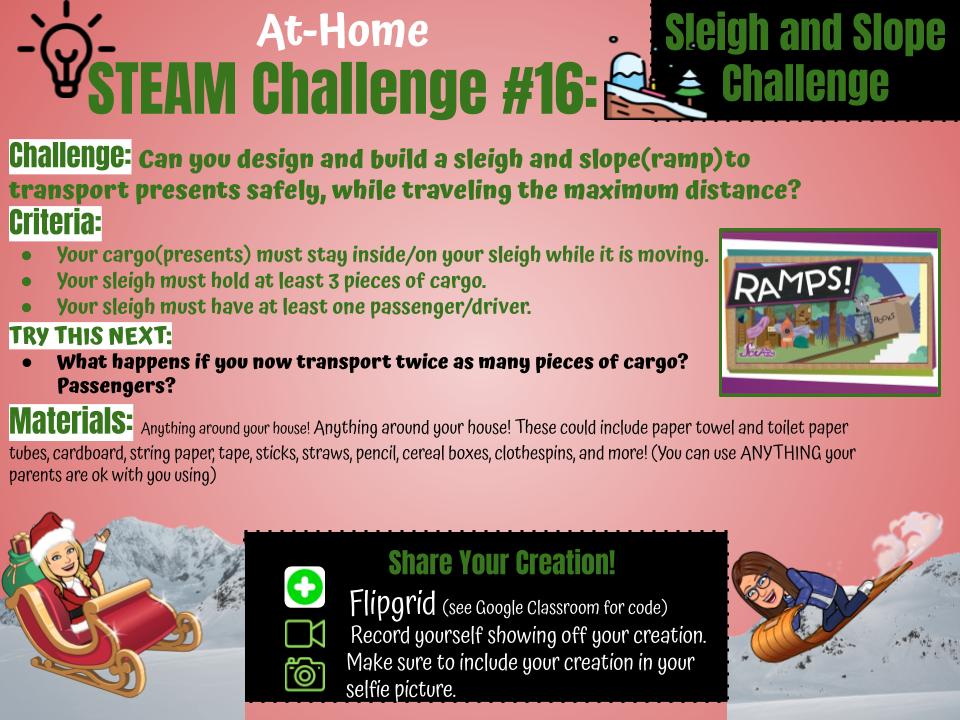
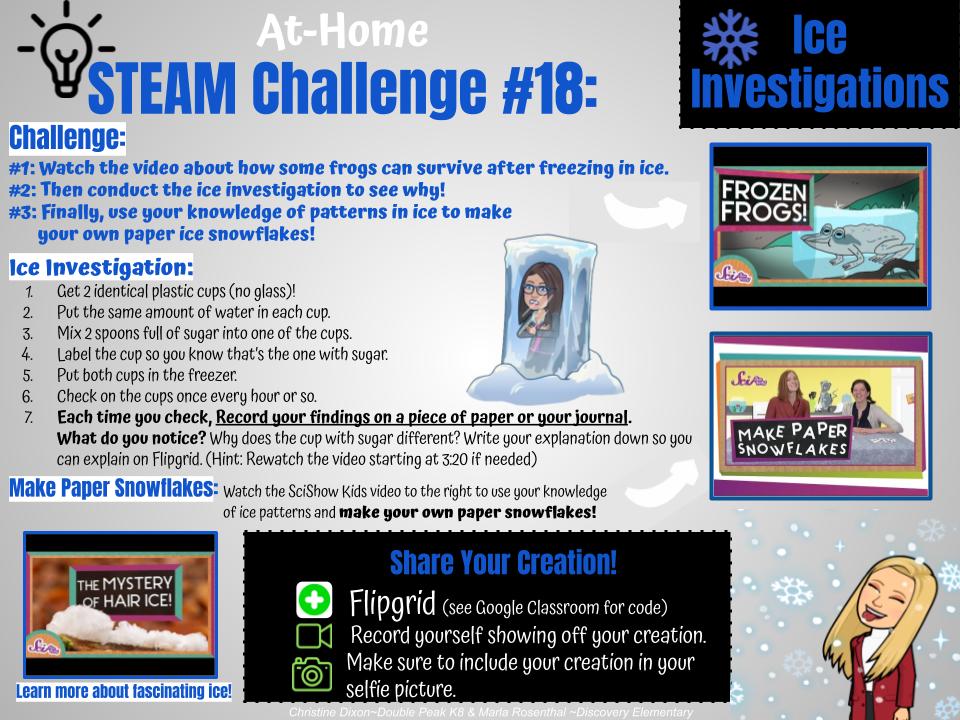
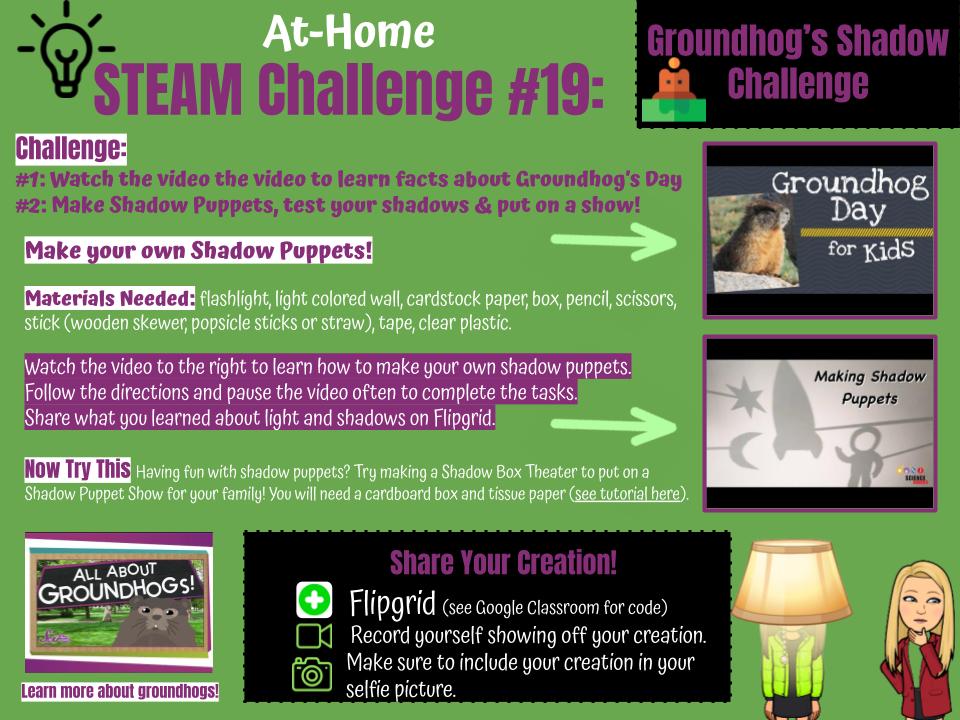
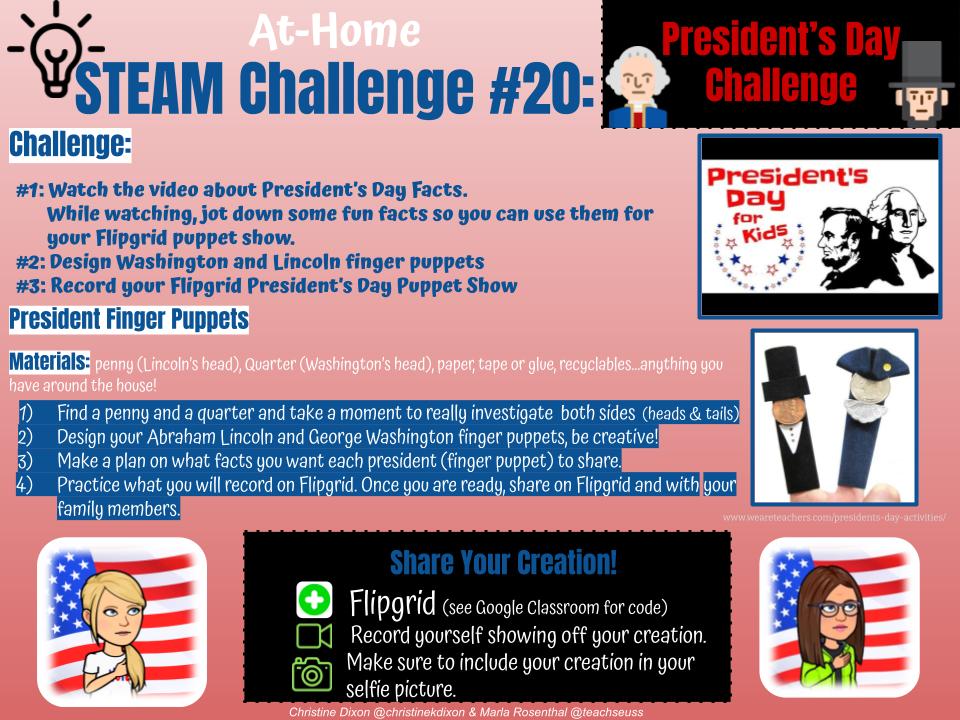
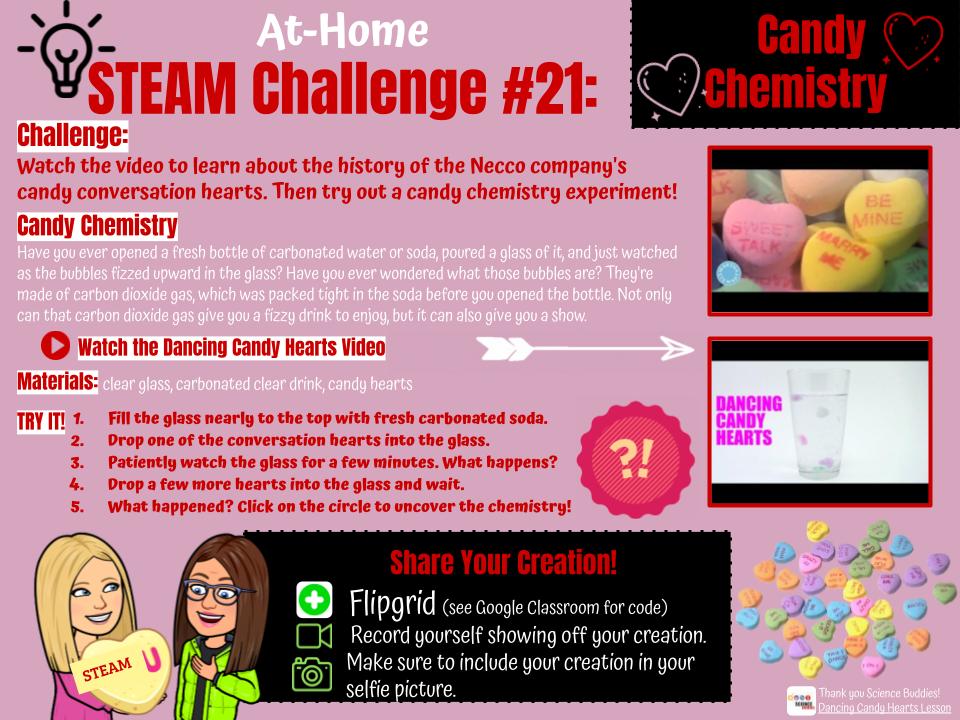
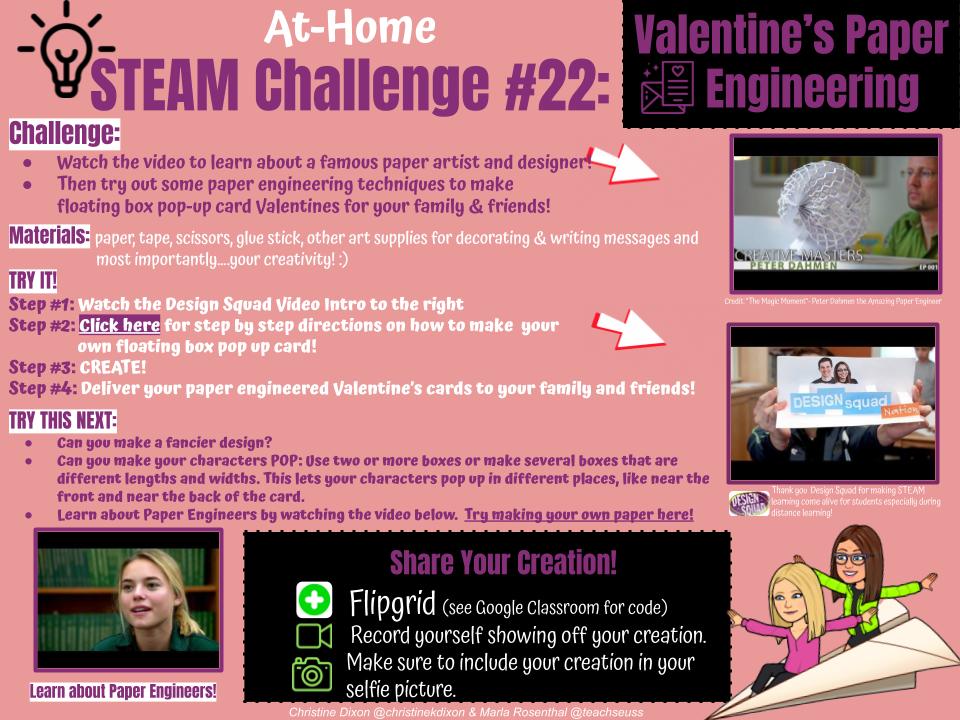
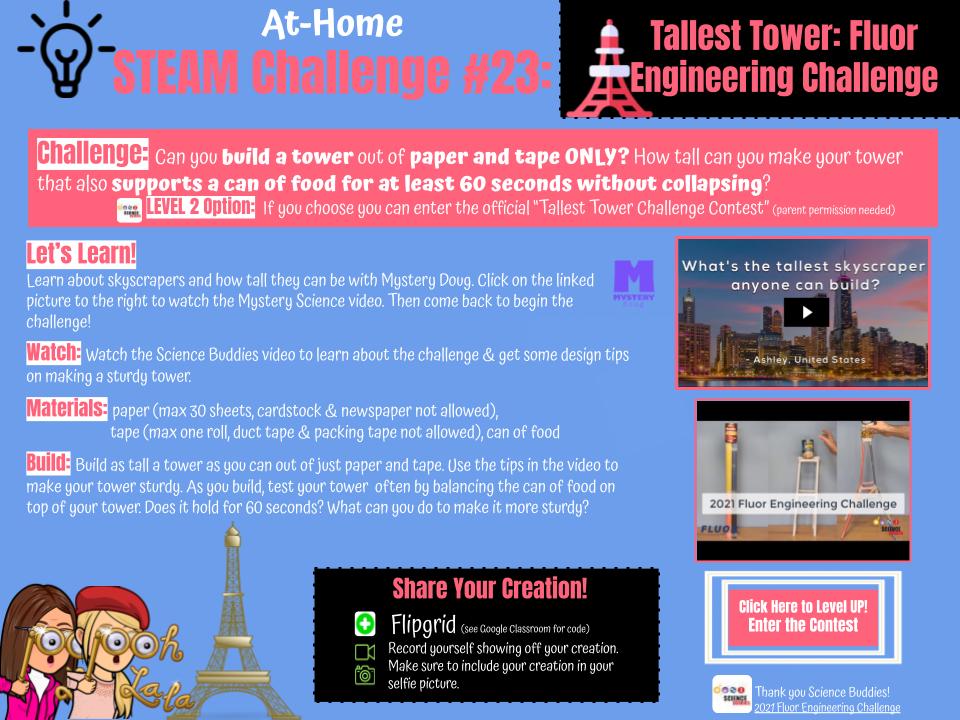
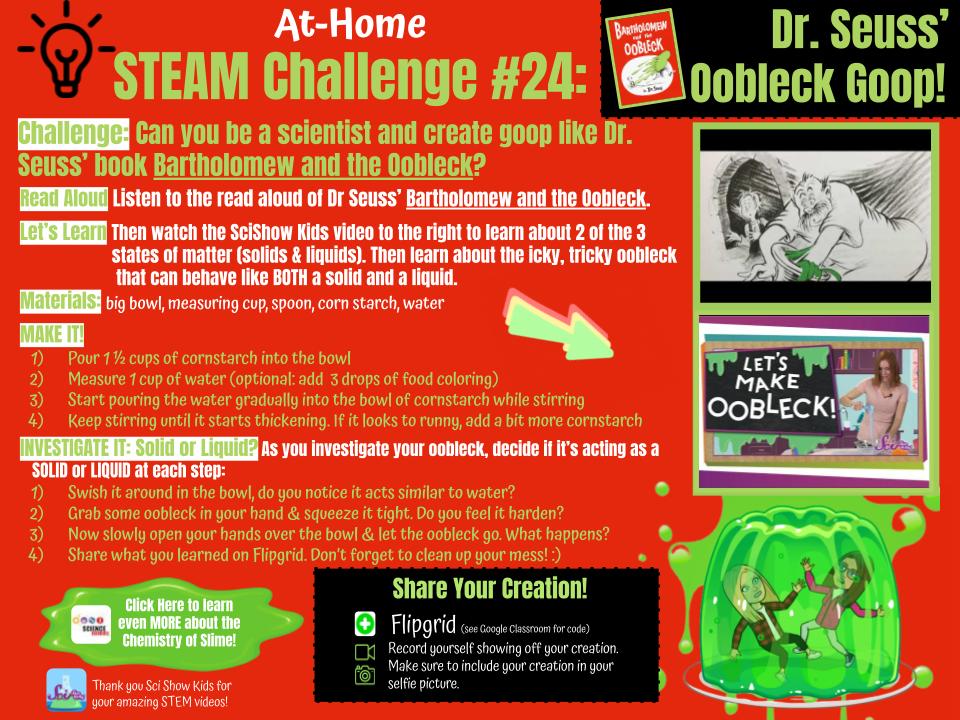
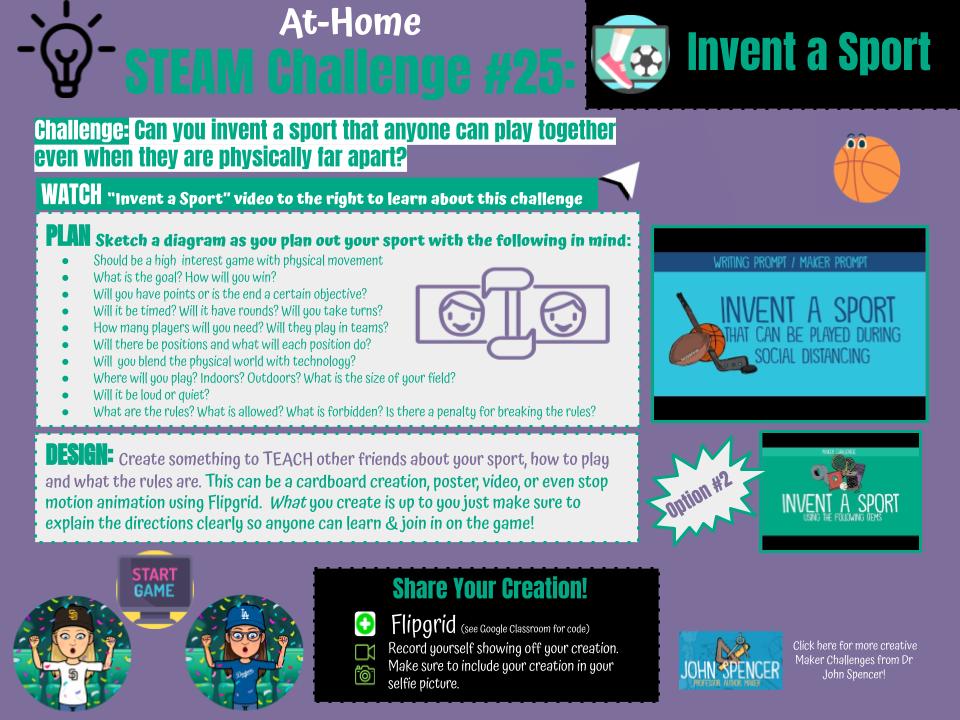
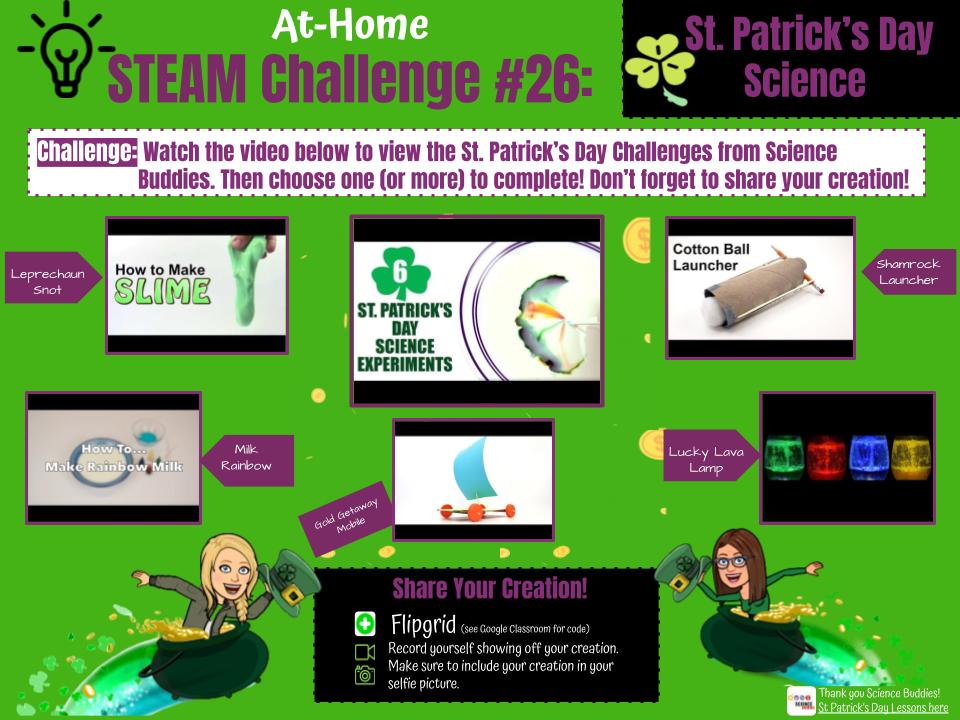
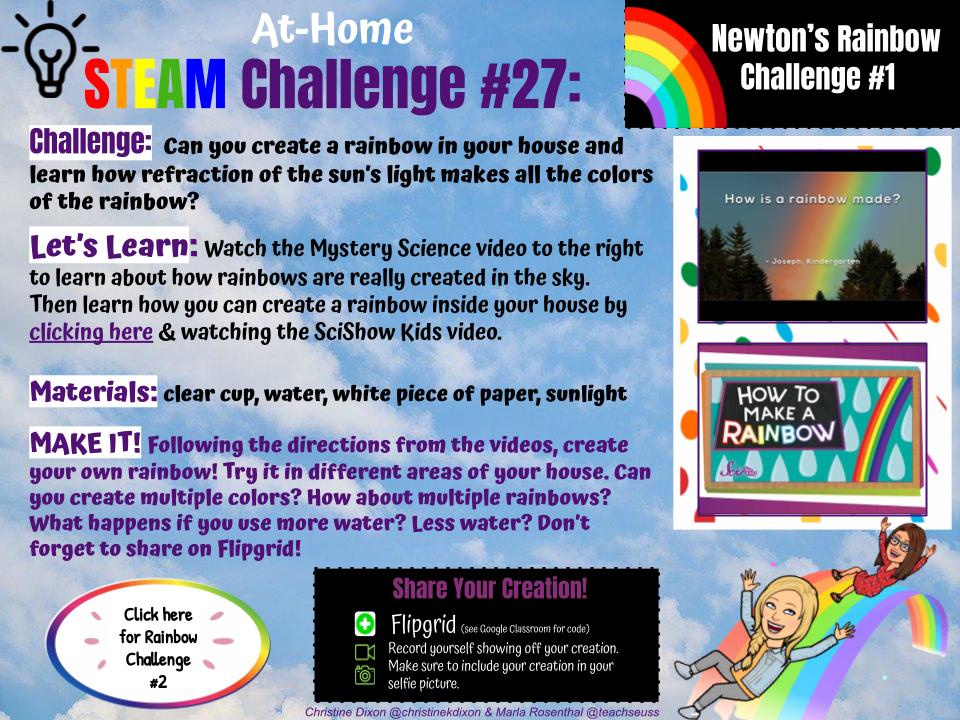
Each week Marla Rosenthal and I are making these fun STEAM Challenges for our students to keep creating at home during distance learning.  I put the challenge on Google Classroom along with a Flipgrid post.  I love hearing about their engineering design process and seeing them proud of their creations.  I encourage them to take their Flipgrid selfie only with their creation and their smile (no Flipgrid emojis, etc) so I can download their pictures to share with our DPS community.  They can even earn a badge for their digital sticker books! So much fun! 
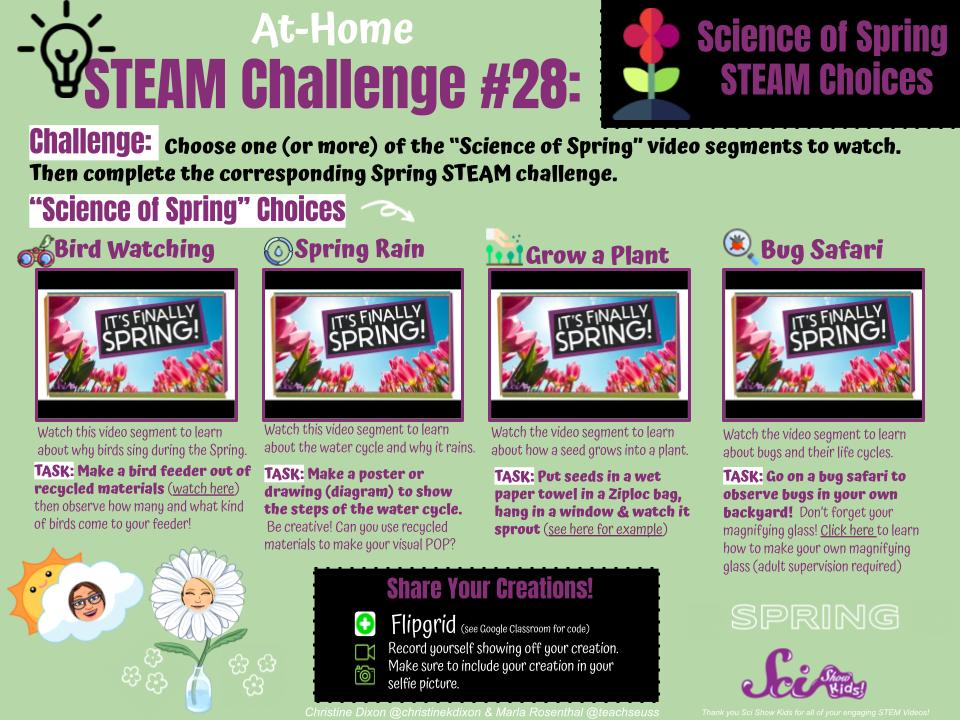
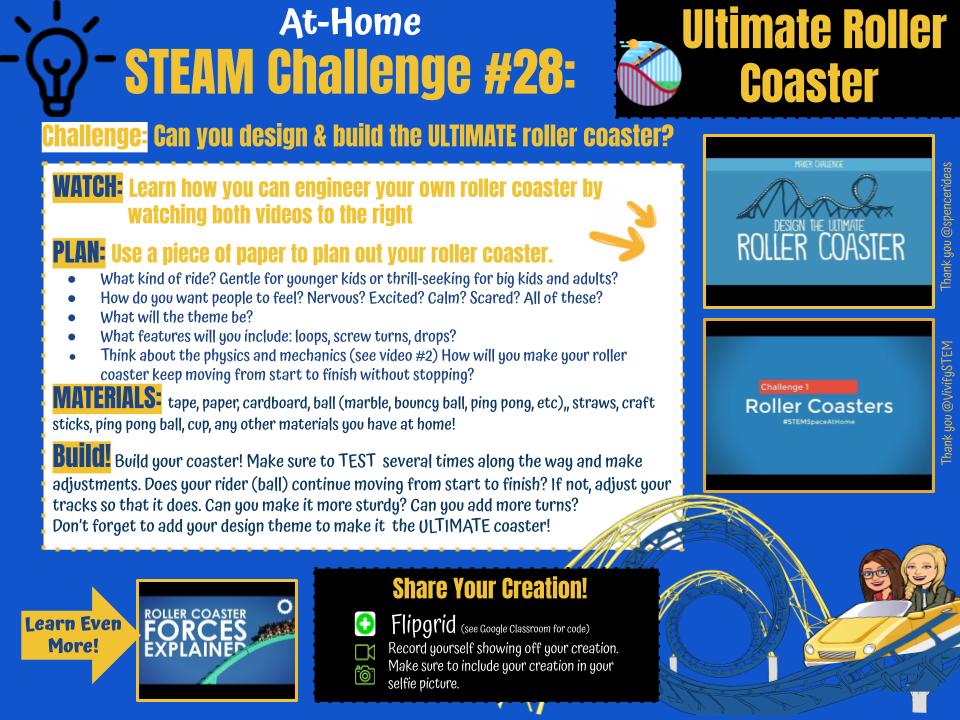
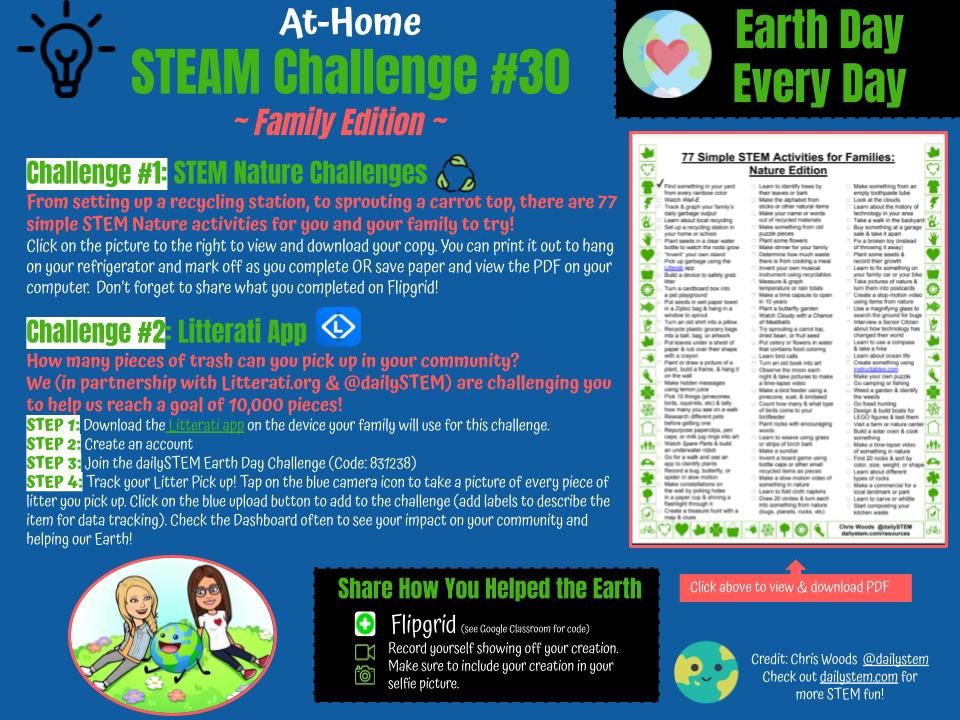
Here are the STEAM Challenges (linked on pictures below) you can copy for your own students.  I'll keep adding them here so check back often if interested.
Happy Making!

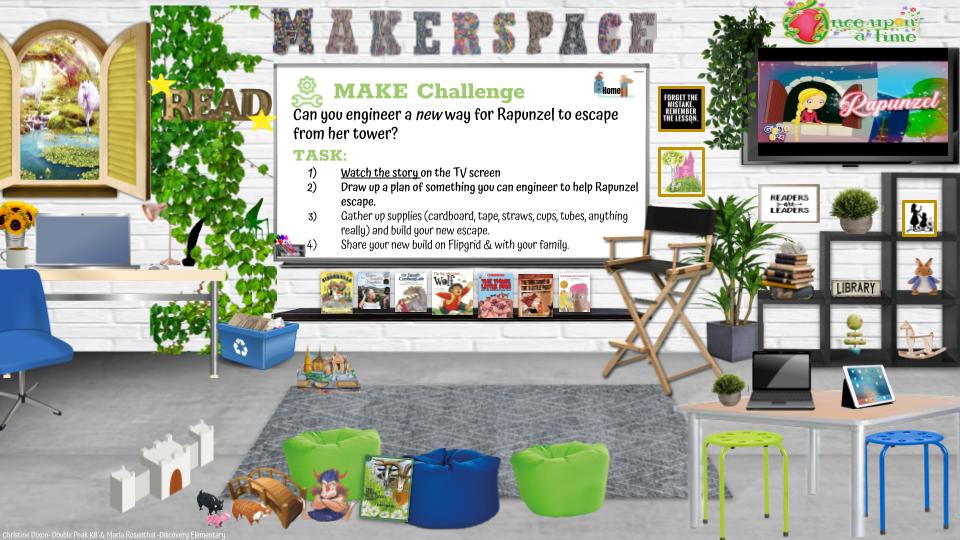
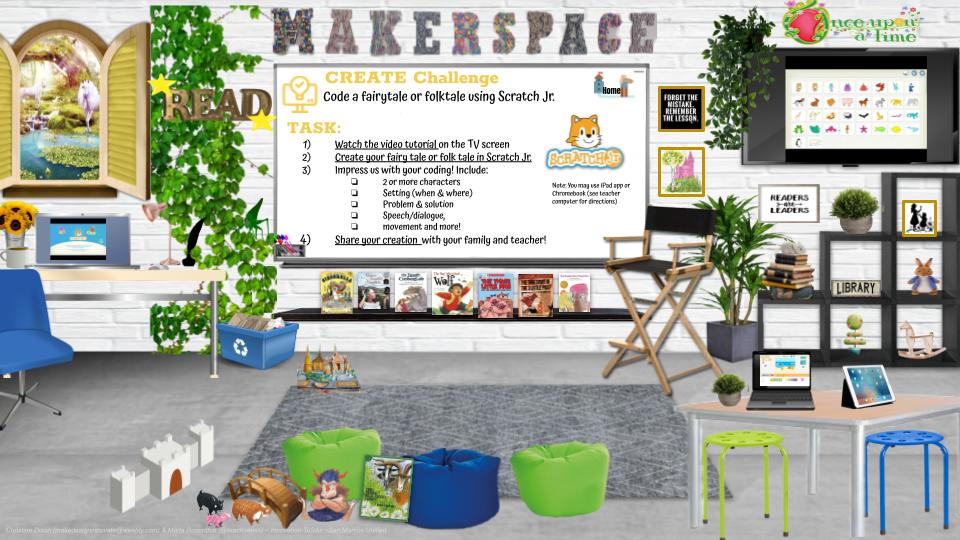
Fairytale & Folktale Integrated STEAM Unit

2/24/2021


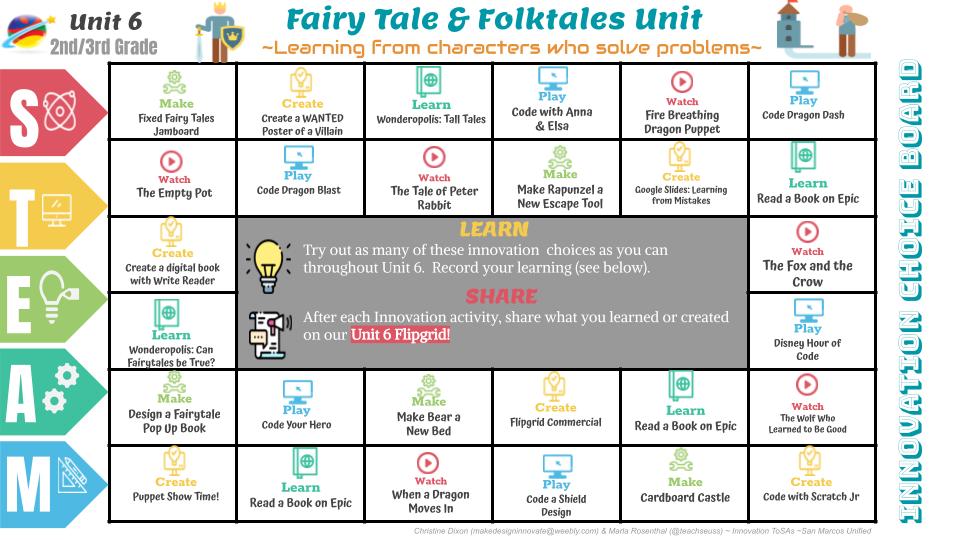
We designed this Fairy Tale Choice Board to align with ELA Benchmark Unit 6 (Learning from Characters who Solve Problems) but it can work for any integrated STEAM & Language Arts focus.  My friend & colleague, Marla Rosenthal, and I created these choices because we know students gravitate towards certain innovation activities over others. The activity options include the following:
  • WATCH: embedded videos are linked on the slide deck (to keep them from being distracted on YouTube).
  • MAKE: these are hands-on, engineering type of activities and are linked to a slide with more instruction. Feel free to take the slide and assign separately from the board if you wish your students to just work on that one activity.
  • CREATE: similar to Make activities, these are more robust innovation creation activities with further direction & tutorials. Teachers can copy this slide and assign separately if desired. NOTE: Some may need you to create a class code (Write Reader, Flipgrid, etc) so please review before assigning.
  • LEARN: these activities include read alouds or links to books and/or websites related to topic. NOTE: Epic will need to be set up if your students don't have access yet.
  • PLAY: these activities are coding & online game-like activities according to theme.
Please feel free to make a copy and modify for your own student innovators. I would love to hear if you use it with your students and how it goes! Please email me as I have comments turned off here so I don't miss them in all the craziness of teaching :)
  • Preview
  • Your Copy 
Better Together,
~Christine

Robots STEAM Challenge (BM Unit 5, 2nd Grade)

1/10/2021

 
We created this STEAM Innovation Choice Board that is aligned to 2nd Grade's ELA Benchmark Unit 5: Technology but feel free to use it with your students even if you don't use that ELA curriculum or grade level!

This choice board was designed because we know students gravitate towards certain innovation activities over others. The goal is not for students to complete all activities, rather to choose multiple options and to show their learning through the Digital Innovation Journal.

We believe these options will supplement and extend their learning in ELA. Please feel free to modify the lesson and directions for your own students with your own copy.
~ Christine and Marla (co-creators of Innovation & STEAM activities for San Marcos Unified School District)

Technology STEAM & Innovation Choice Board

1/10/2021


We created this STEAM Innovation Choice Board that is aligned to Kinder/1st grade's ELA Benchmark Unit 5: Technology but feel free to use it with your students even if you don't use that ELA curriculum or grade level!
This choice board was designed because we know students gravitate towards certain innovation activities over others, especially in the remote learning setting. The activity options include the following:
  • WATCH: embedded videos are linked on the slide deck (to keep them from being distracted on YouTube).
  • MAKE: these are hands-on, engineering type of activities and are linked to a slide with more instruction. Feel free to take the slide and assign separately from the board if you wish your students to just work on that one activity.
  • CREATE: similar to Make activities, these are more robust innovation creation activities with further direction & tutorials. Teachers can copy this slide and assign separately if desired. NOTE: Some may need you to create a class code (Write Reader, Flipgrid, etc) so please review before assigning.
  • LEARN: these activities include read alouds or links to books and/or websites related to topic. NOTE: Please remove Brainpop and/or Epic if your students do not have access.
  • PLAY: these activities are online game-like activities according to theme.
We believe both these options will supplement and extend their learning in ELA. Please feel free to modify the lesson and directions for your own students with your own copy. 
​~ Christine and Marla (co-creators of Innovation & STEAM activities for San Marcos Unified School District)

"Nature & Natural Resources " STEAM & Innovation Unit

10/11/2020

 
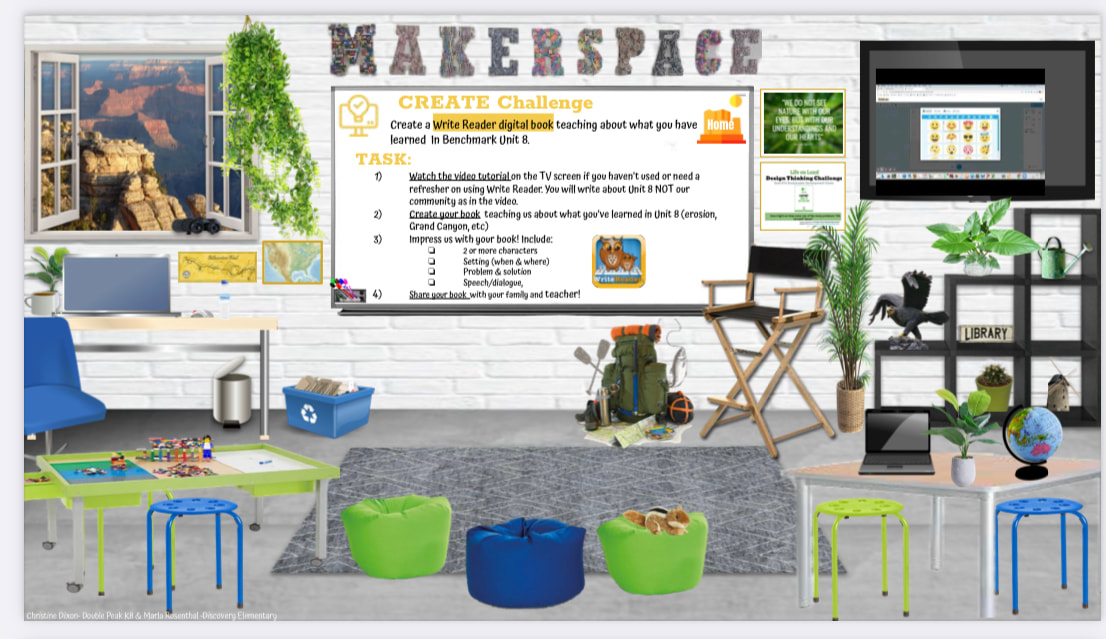
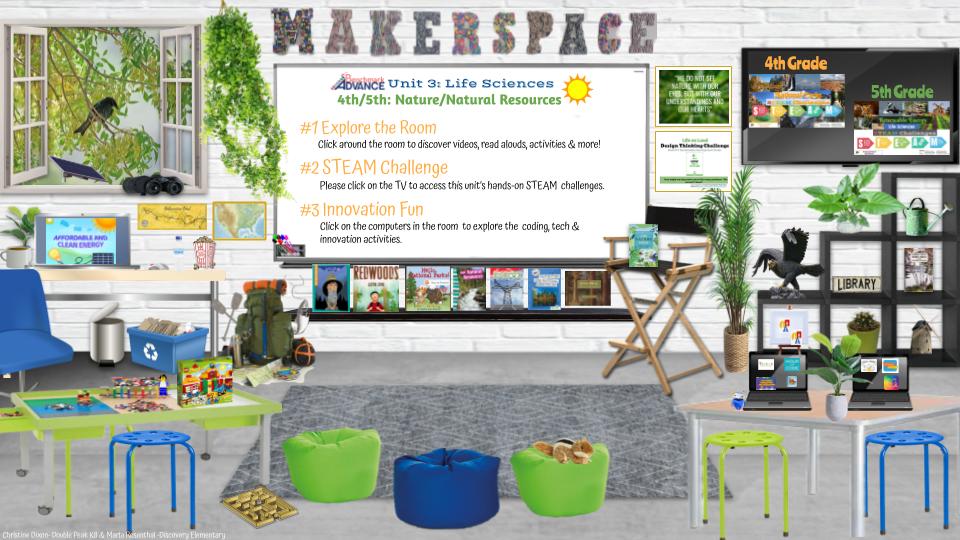
Here is the Life Sciences Virtual Makerspace and Innovation lessons I co-created with Marla Rosenthal for the 4th and 5th grade teachers in our district.  This ties in with our ELA Benchmark Unit 3, however, can be used in any grade level or curriculum.  

The virtual makerspace is full of read alouds, videos, games, coding and innovation links with the focus on nature and our natural resources.

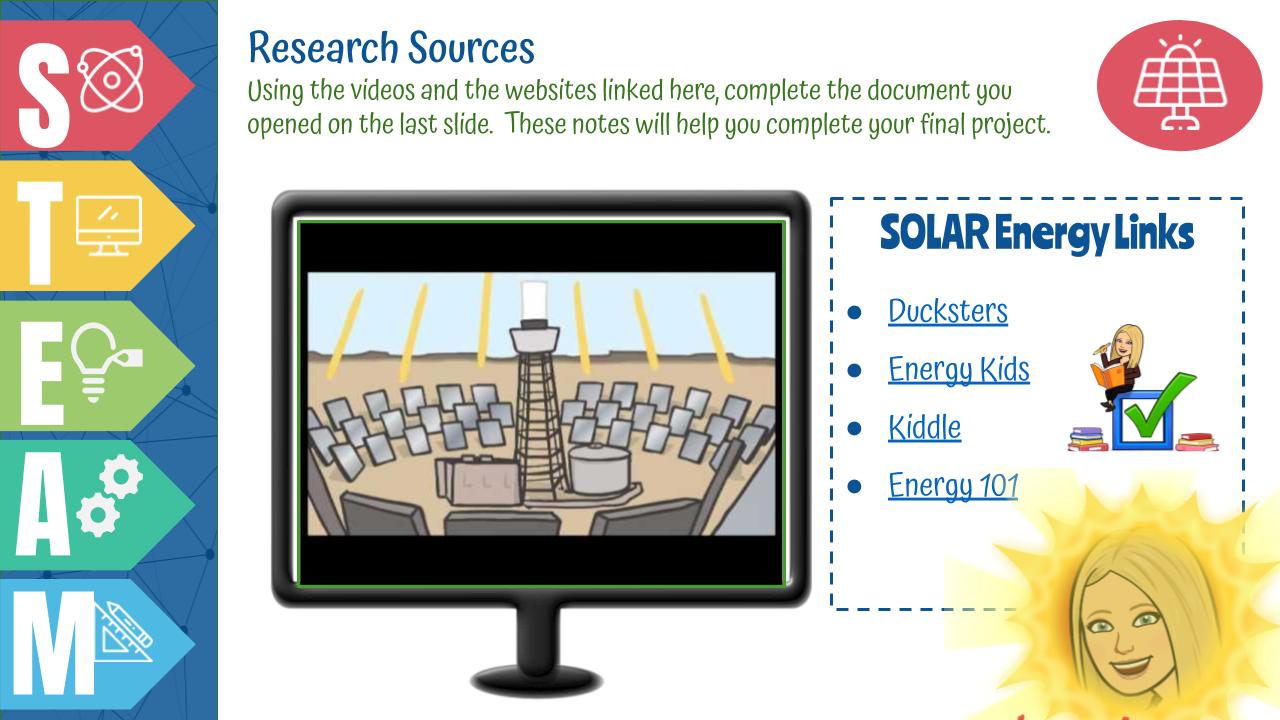
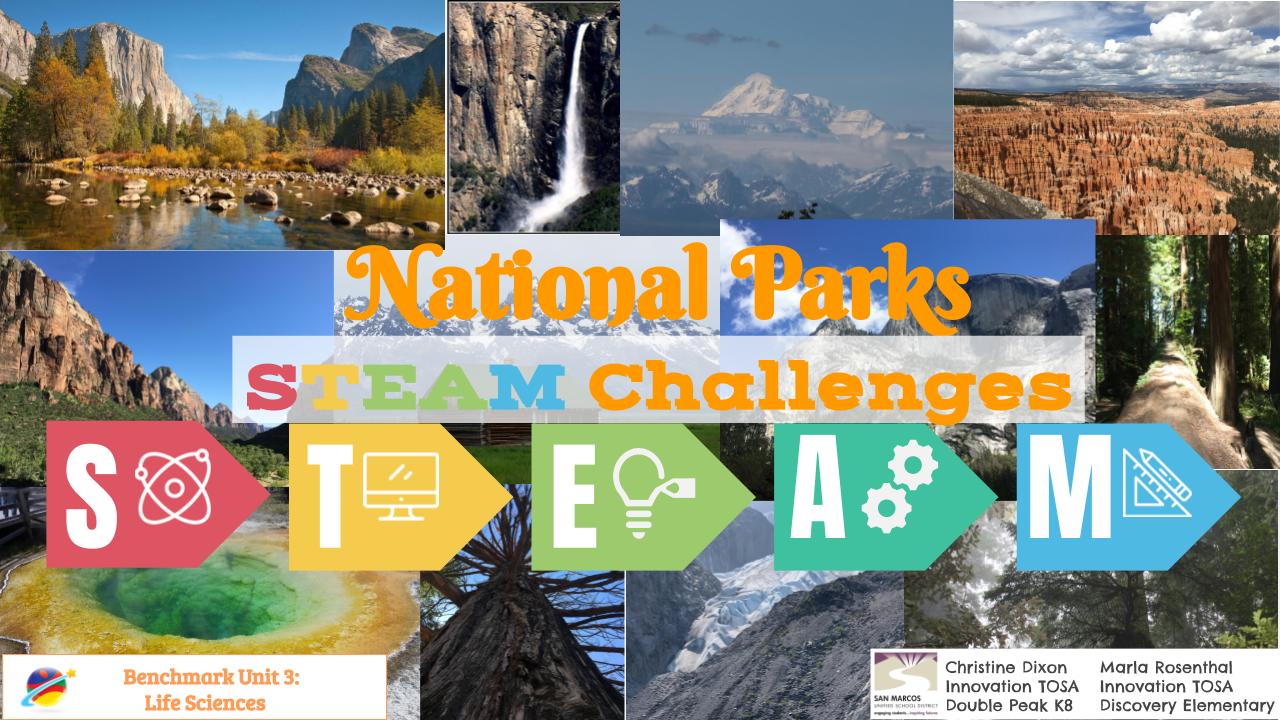
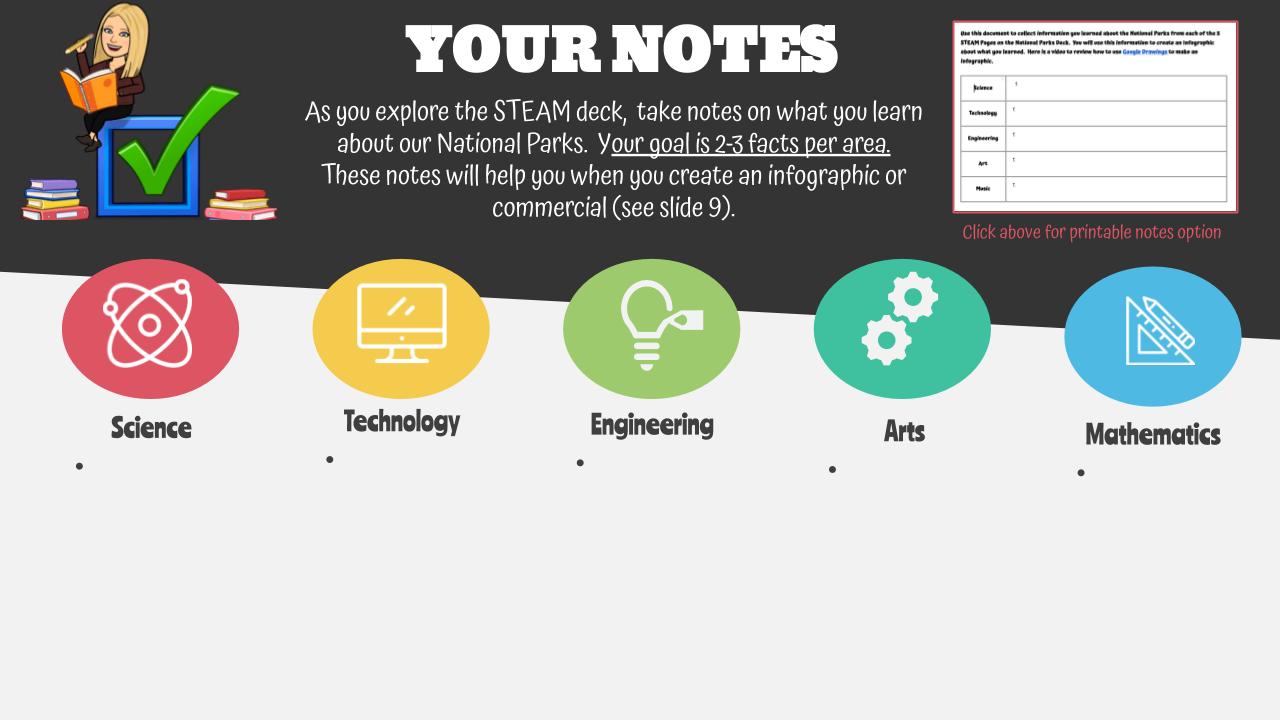
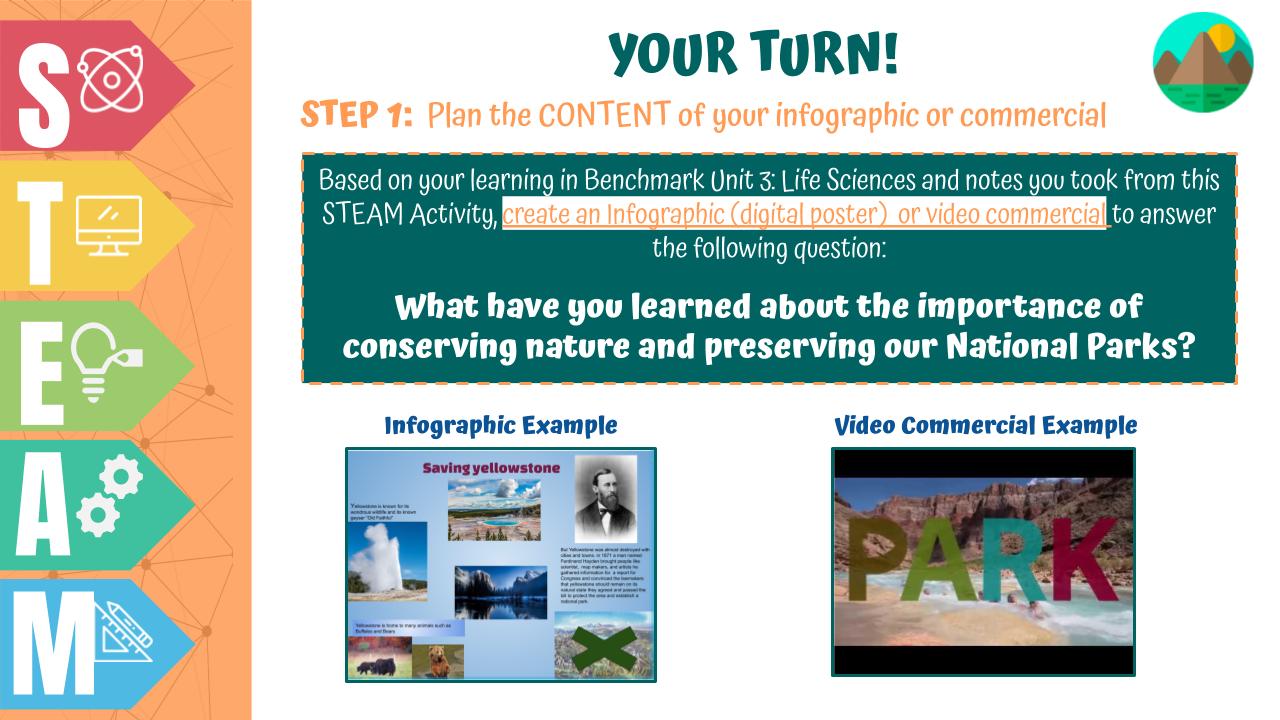
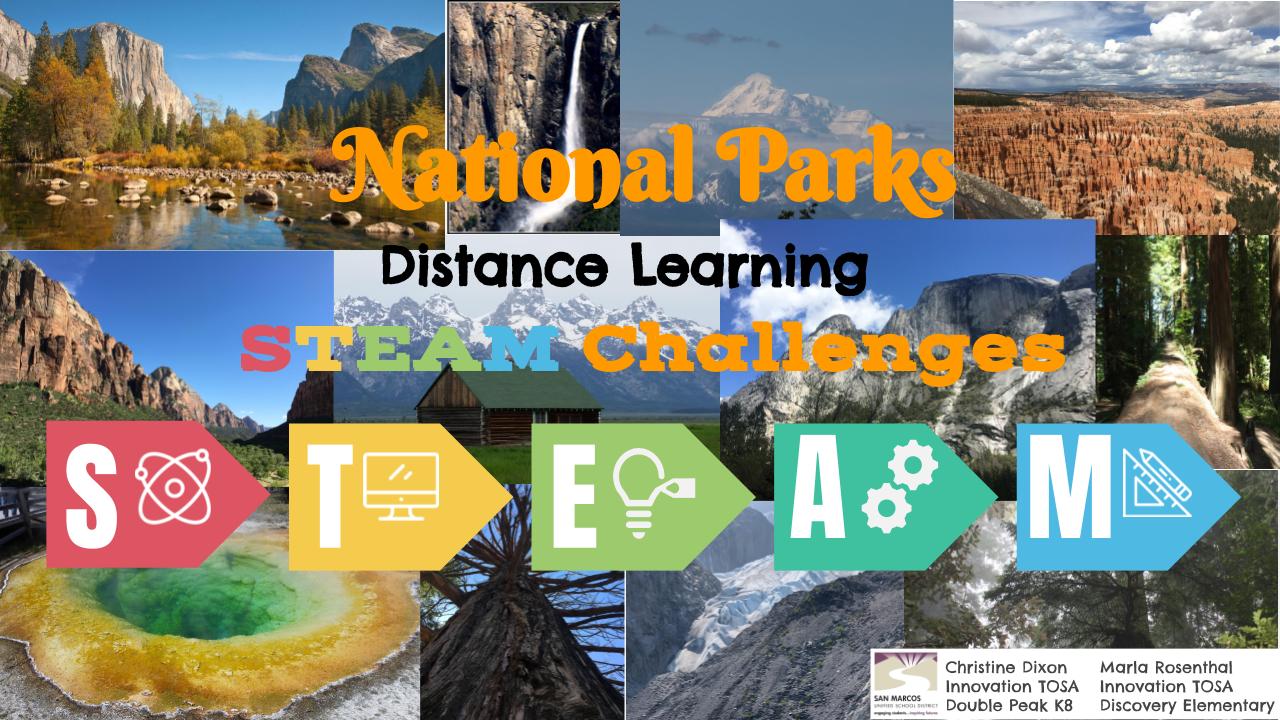
The STEAM and Innovation lessons are linked on the TV in the makerspace as well as below. The 4th grade focus is on our National Parks and the 5th is on renewable energy.  Both lessons have students learn about the content then have them "show what they know" by creating an infographic or video commercial (PSA).

We have three more units we are sharing:
  • Plants & Living Things STEAM & Innovation Unit
  • Life on Land STEAM & Innovation Unit
  • Life Below Water STEAM & Innovation Unit

We are sharing all of these because we are passionate about spreading innovation and sharing with teachers.  I hope it brings some sort of relief to you in your planning...our work as teachers is hard enough right now.  

~Better Together,
​Christine

Virtual Makerspace

Your Copy

STEAM/Innovation  lessons

Your Copy
Your Copy

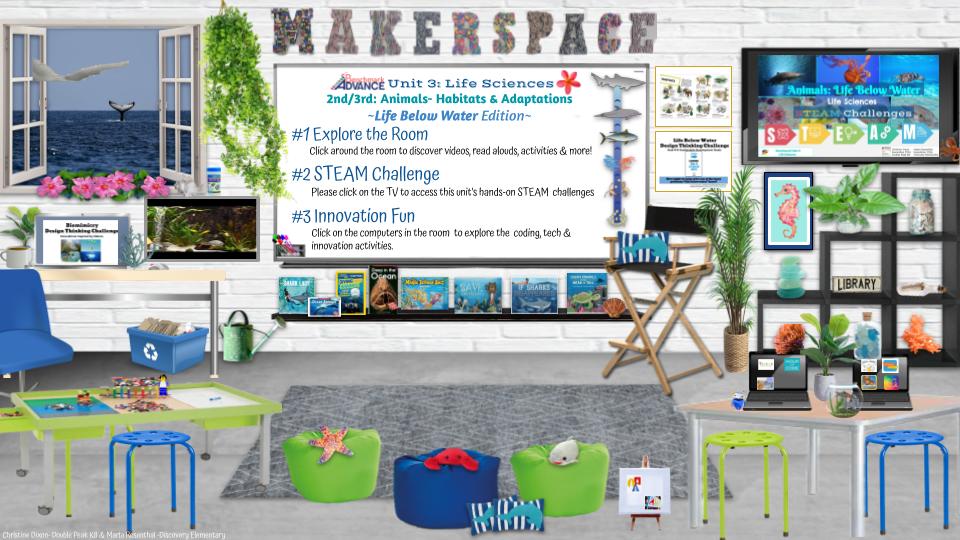
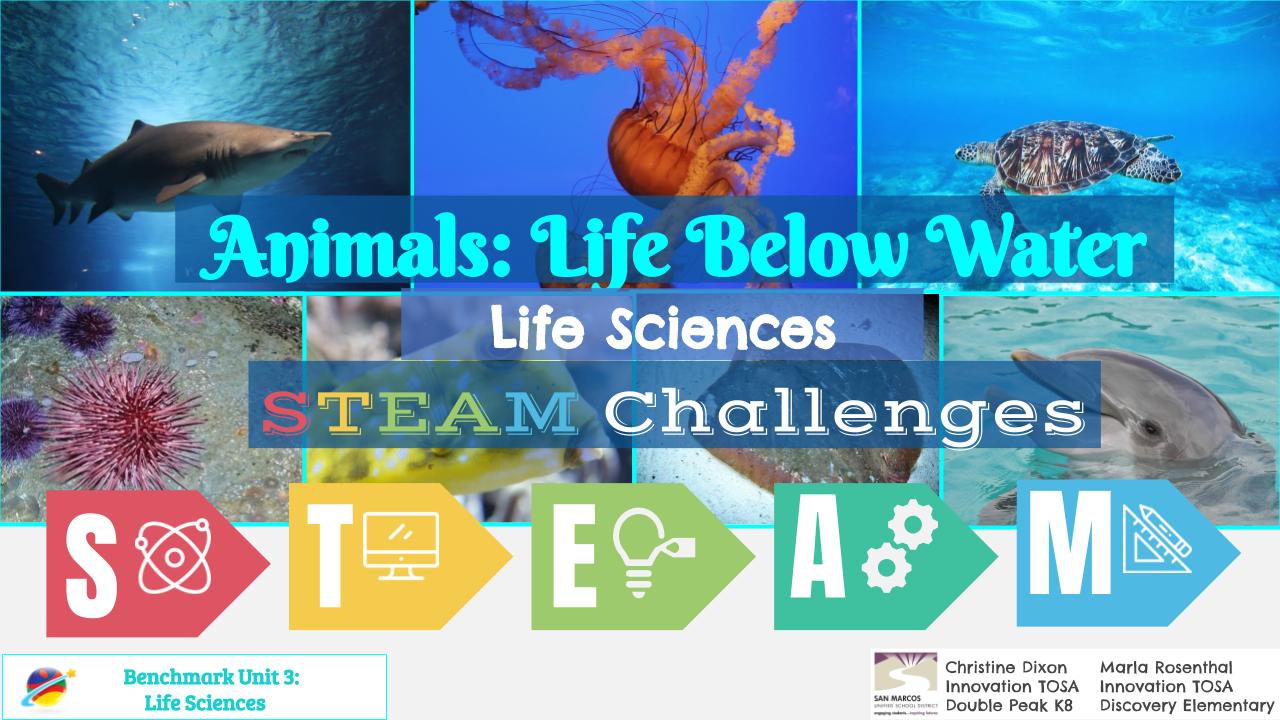
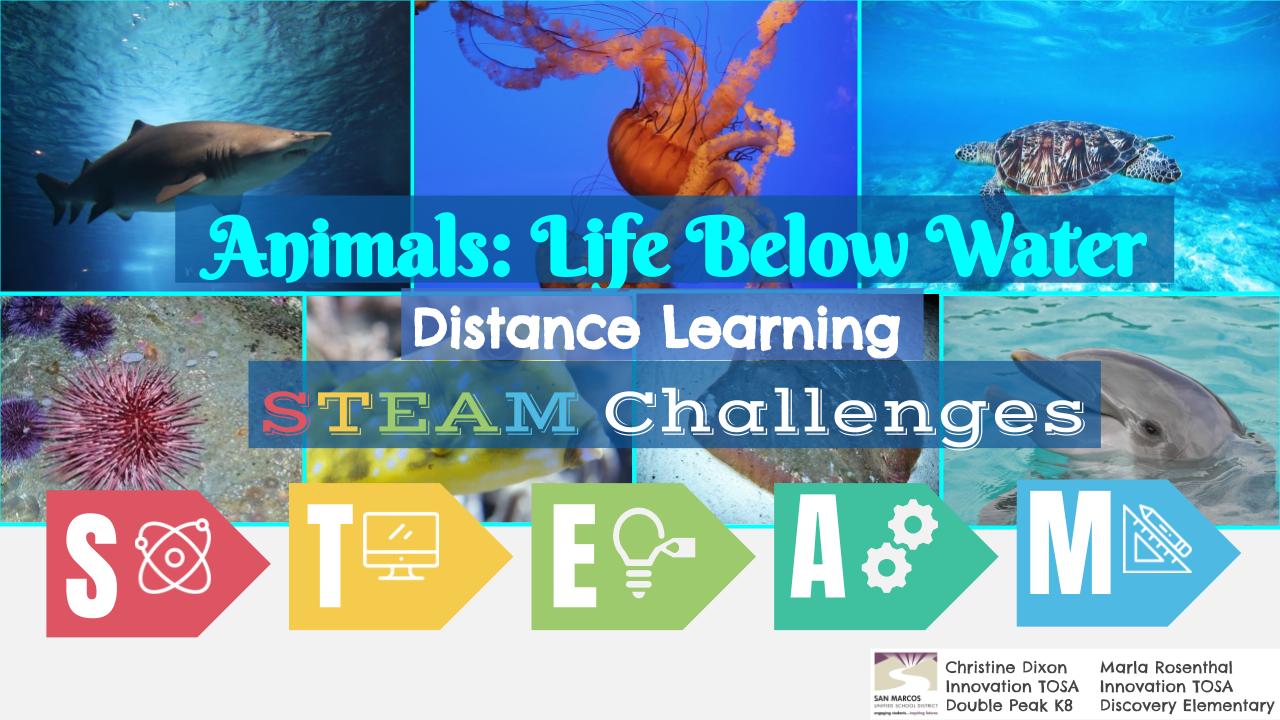
"Life Below Water " STEAM & Innovation Unit

10/11/2020

 
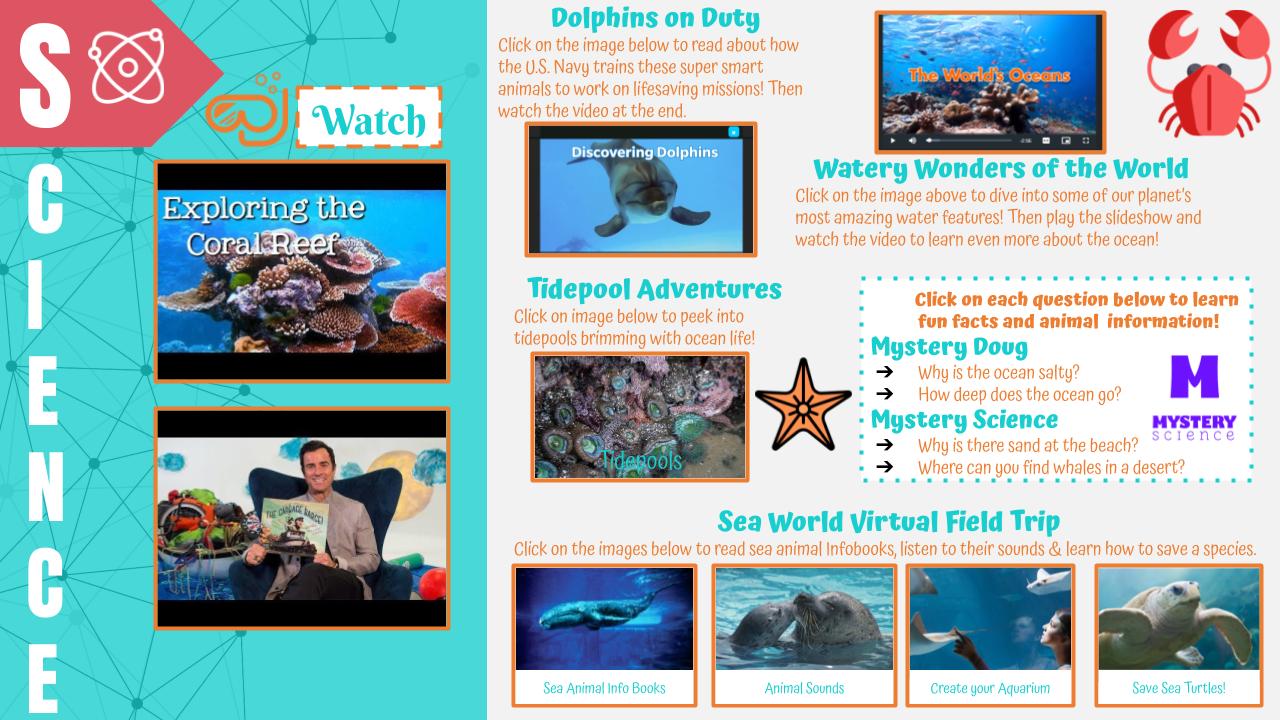
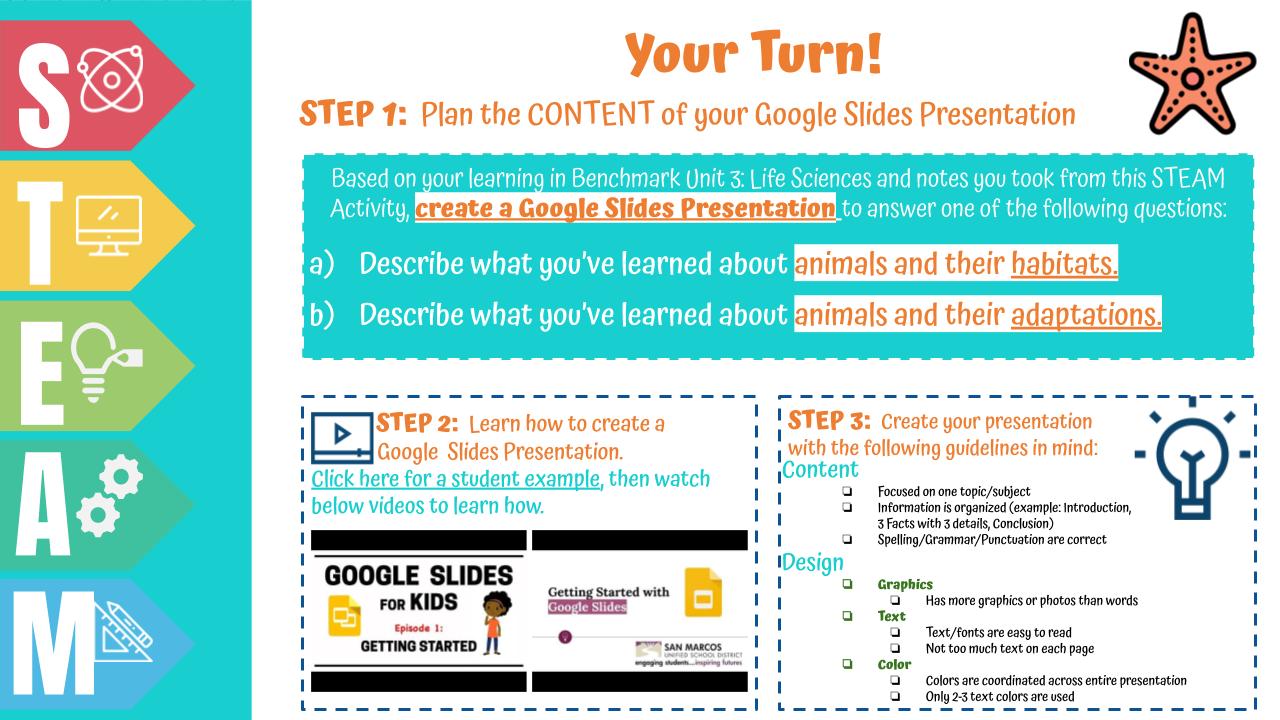
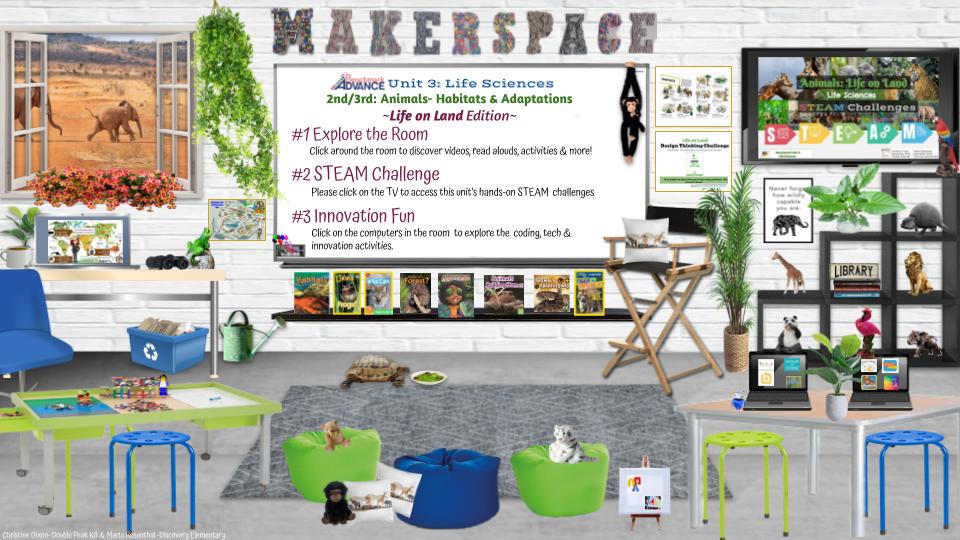
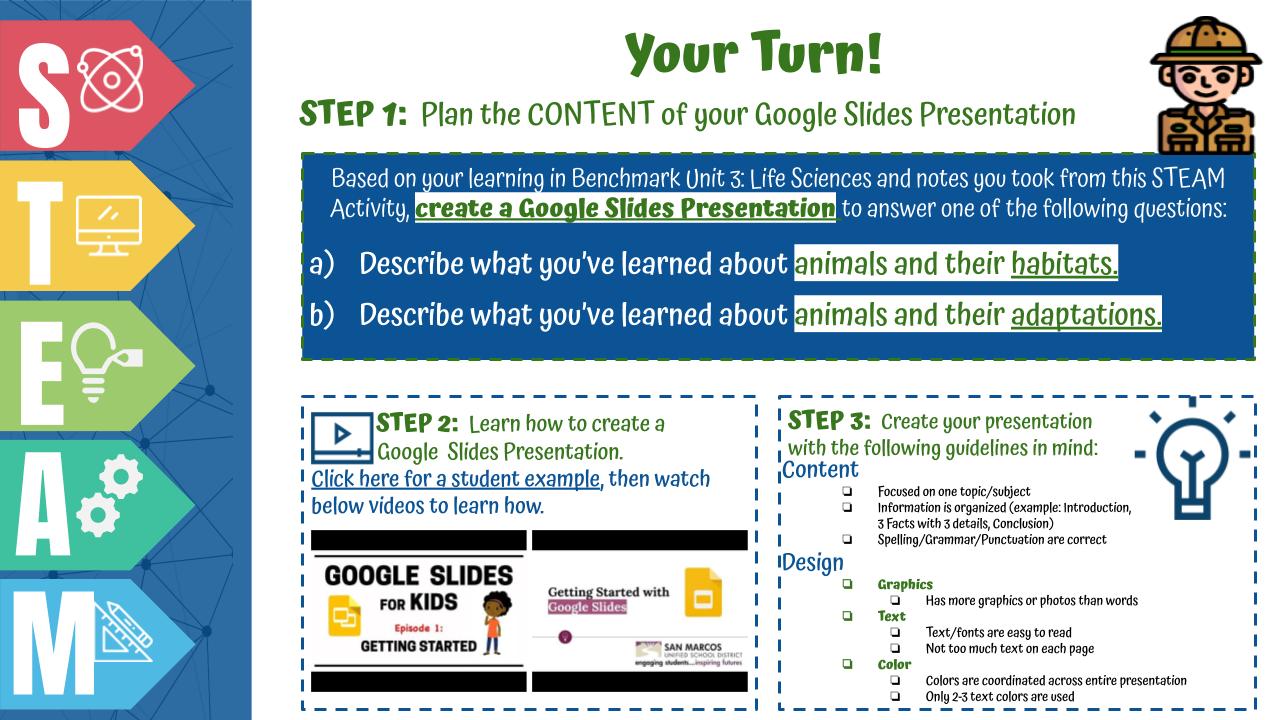
Here is the Animals: Habitats & Adaptations Virtual Makerspace and Innovation lesson I co-created with Marla Rosenthal for the 2nd and 3rd grade teachers in our district.  This ties in with our ELA Benchmark Unit 3, however, can be used in any grade level or curriculum.  

The virtual makerspace is full of read alouds, videos, games, coding and innovation links with the focus on nature and our natural resources.

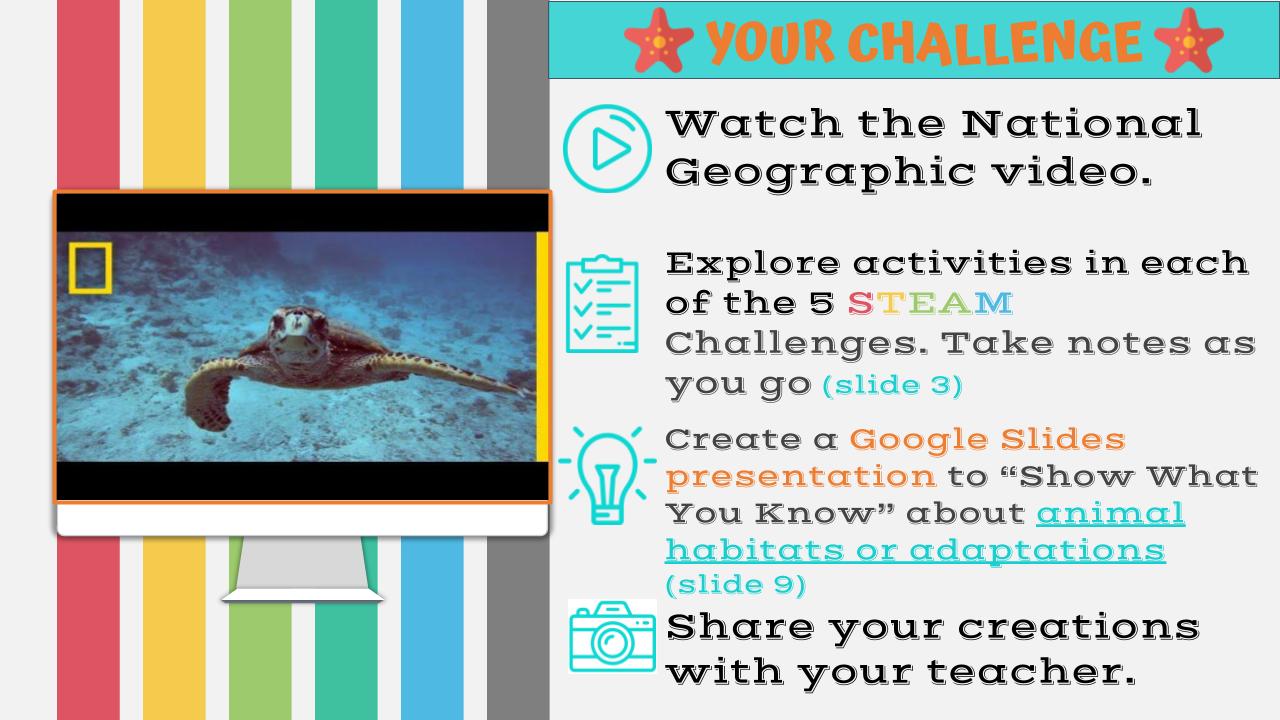
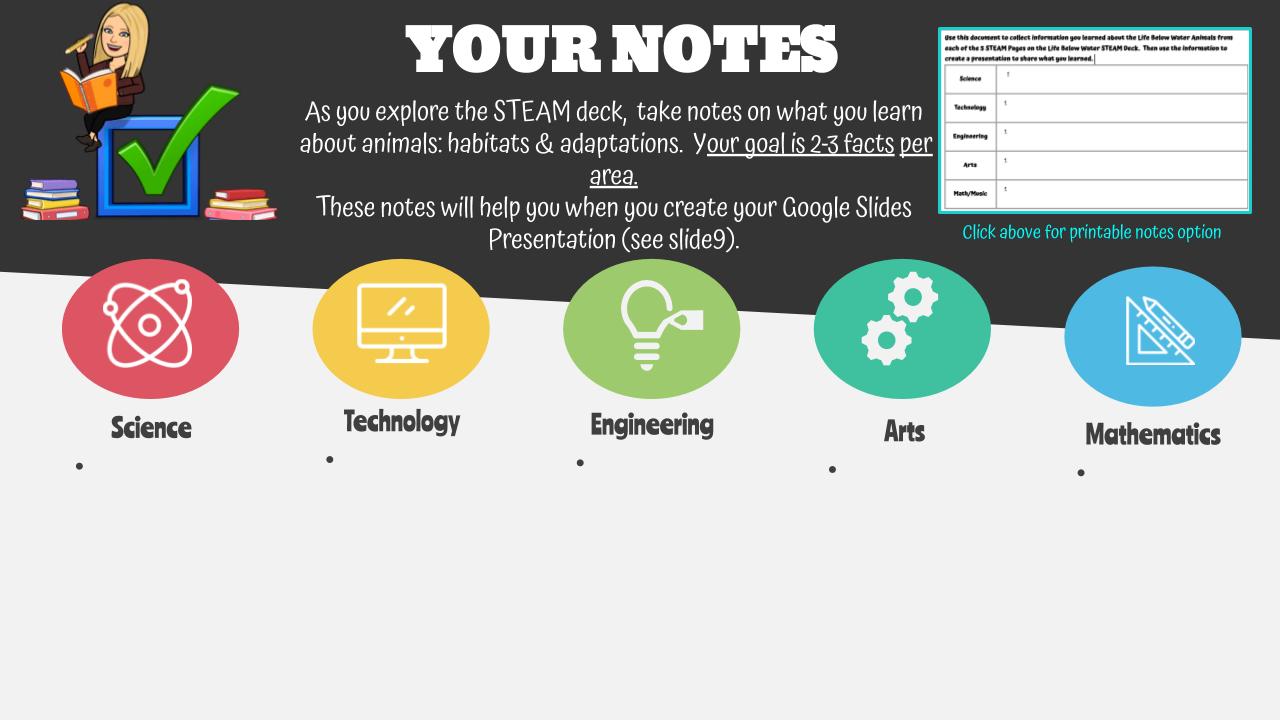
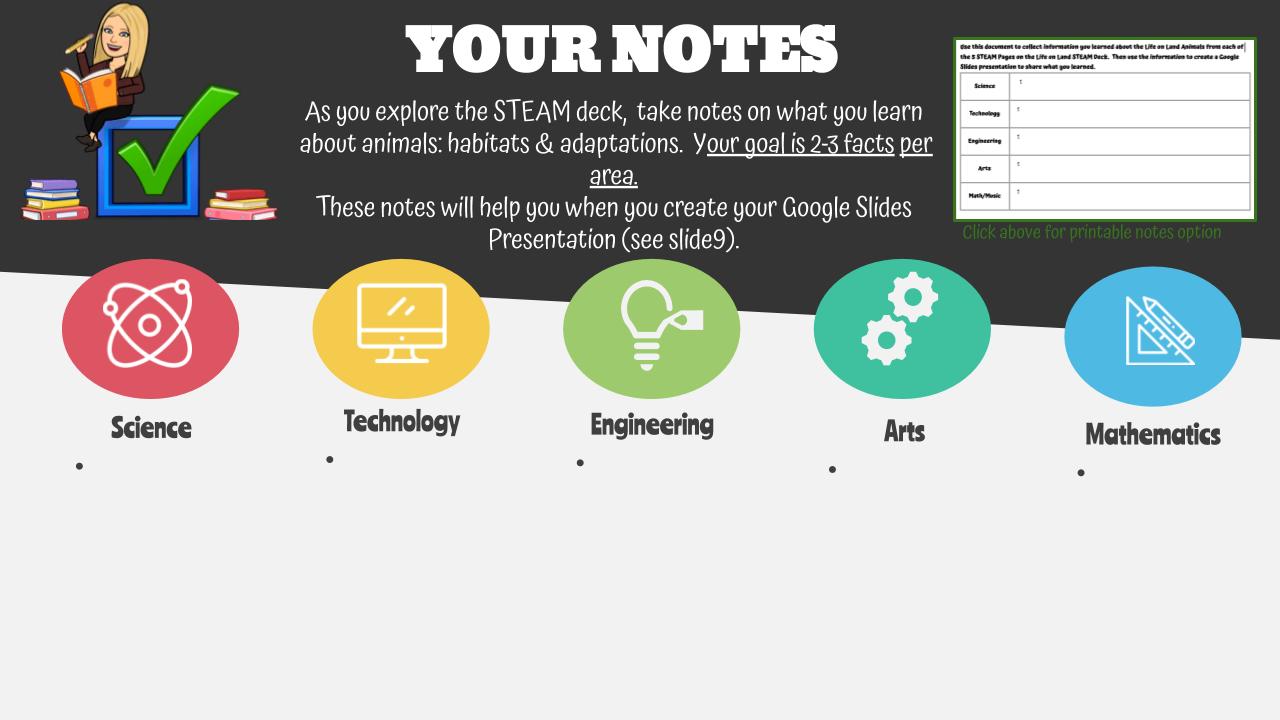
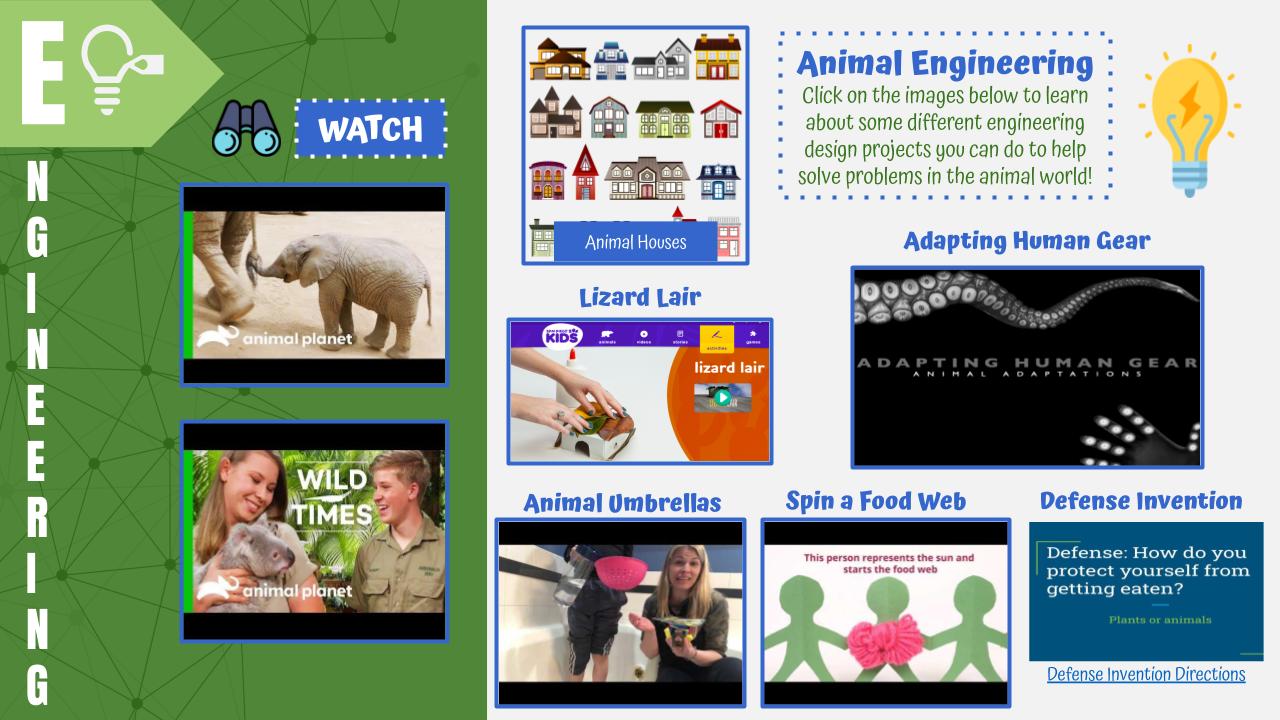
The STEAM and Innovation lesson is linked on the TV in the makerspace as well as below. This lesson has students learn about the content then have them "show what they know" by creating a Google Slides presentation.  However,  teachers can modify this for whichever edtech tool they want. I plan on having my own students code their understanding using Google CS First and Scratch coding.

We have three more units we are sharing:
  • Plants & Living Things STEAM & Innovation Unit
  • Life on Land STEAM & Innovation Unit
  • Nature & Natural Resources STEAM & Innovation Unit

We are sharing all of these because we are passionate about spreading innovation and sharing with teachers.  I hope it brings some sort of relief to you in your planning...our work as teachers is hard enough right now.  

~Better Together,
​Christine

Virtual Makerspace

Your Copy

STEAM/Innovation  Lesson

Your Copy

"Life on Land" STEAM & Innovation Unit

10/11/2020

 
Here is the Animals: Habitats & Adaptations Virtual Makerspace and Innovation lesson I co-created with Marla Rosenthal for the 2nd and 3rd grade teachers in our district.  This ties in with our ELA Benchmark Unit 3, however, can be used in any grade level or curriculum.  

The virtual makerspace is full of read alouds, videos, games, coding and innovation links with the focus on nature and our natural resources.

The STEAM and Innovation lesson is linked on the TV in the makerspace as well as below. This lesson has students learn about the content then have them "show what they know" by creating a Google Slides presentation.  However,  teachers can modify this for whichever edtech tool they want. I plan on having my own students code their understanding using Google CS First and Scratch coding.

We have three more units we are sharing:
  • Plants & Living Things STEAM & Innovation Unit
  • Life Below Water STEAM & Innovation Unit
  • Nature & Natural Resources STEAM & Innovation Unit

We are sharing all of these because we are passionate about spreading innovation and sharing with teachers.  I hope it brings some sort of relief to you in your planning...our work as teachers is hard enough right now.  

~Better Together,
​Christine

Virtual Makerspace

Your Copy

STEAM & Innovation lesson

Your Copy

Plants & Living Things STEAM & Innovation Unit

10/11/2020

 
Your Copy
For our littles, here is a Plants & Lifecycles Virtual Makerspace and Innovation unit I co-created with Marla Rosenthal for the Kinder and 1st grade teachers in our district.  This ties in with our ELA Benchmark Unit 3, however, can be used in any grade level or curriculum.  

The virtual makerspace is full of read alouds, videos, games, coding and innovation links with the focus on nature and our natural resources. Click around and see all that it includes!

We have three more units we are sharing:
  • Life on Land STEAM & Innovation Unit
  • Life Below Water STEAM & Innovation Unit
  • Nature & Natural Resources STEAM & Innovation Unit

We are sharing all of these because we are passionate about spreading innovation and sharing with teachers.  I hope it brings some sort of relief to you in your planning...our work as teachers is hard enough right now.  

~Better Together,
​Christine

TK-5 Life Sciences Unit-Benchmark Unit 3

10/11/2020

 
Here are all K-5 Virtual Makerspaces and STEAM/Innovation lessons Marla Rosenthal and I created to go along with ELA Benchmark Unit 3: Life Sciences.  Click below to access previews of each (see blog posts for copies)
Happy Innovating!
​~Christine
Click on the Makerspace or Innovation Lessons above for preview versions.

Bringing the A to STEAM: Art Jump Start Challenges

10/4/2020

 
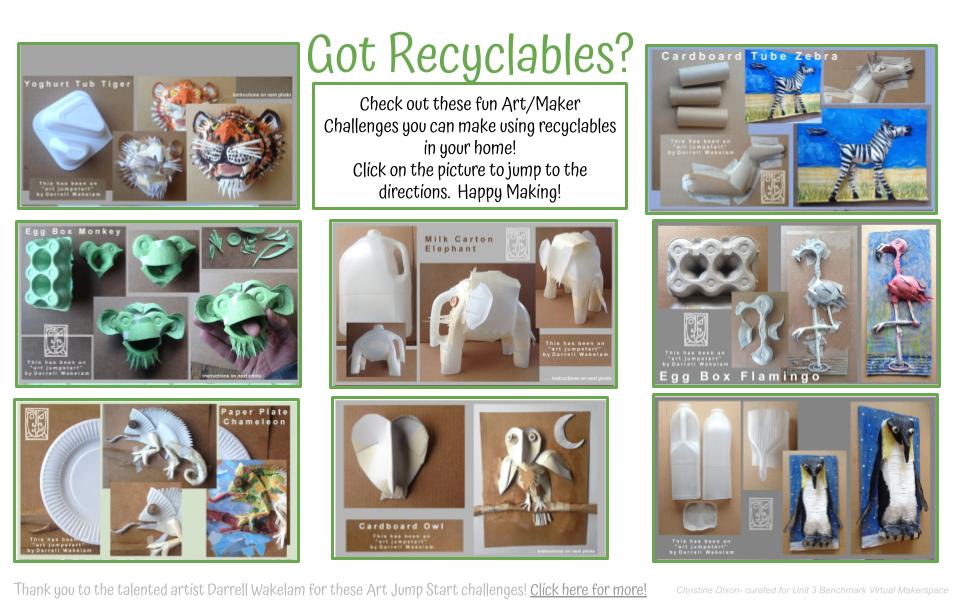
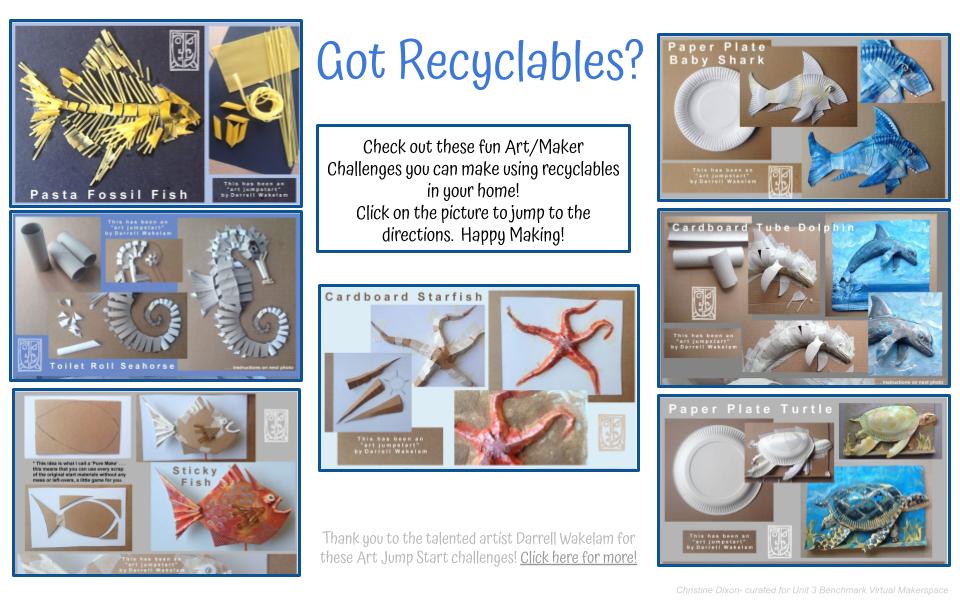
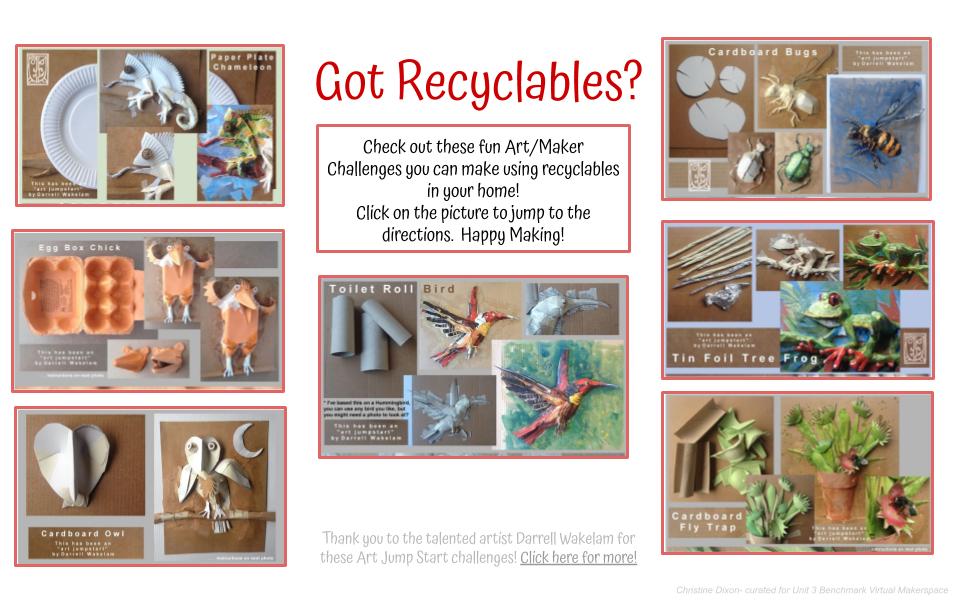
One of the many silver linings that have come out from distance learning due to COVID is the many educators who have shared their lessons, resources and ideas freely. This #BetterTogether theme has become my mantra and I am so grateful for everyone out there that believes that we can benefit EVERY student, not just our own.

In the Spring I found the talented and generous Darrell Wakelam on Twitter and was amazed by his beautiful artwork with tutorials all using household recyclables.  He wanted to make sure art and making was still happening during distance learning and I knew they were the perfect complement to what I was creating with our STEAM challenges.
​
I created the following slide decks so my students could access the tutorials. Make sure to check out the entire download section on his site.  Thank you Darrell for sharing your art and making with us!

Virtual Makerspaces & Design Thinking Lessons: Character Themed

9/10/2020


Unit  2  Characters:  Virtual Makerspaces

Part 1:  Virtual Makerspaces- Literature Themed 
These innovation virtual spaces are full of clickable links to videos, read alouds, online games, coding, edtech activities and more!
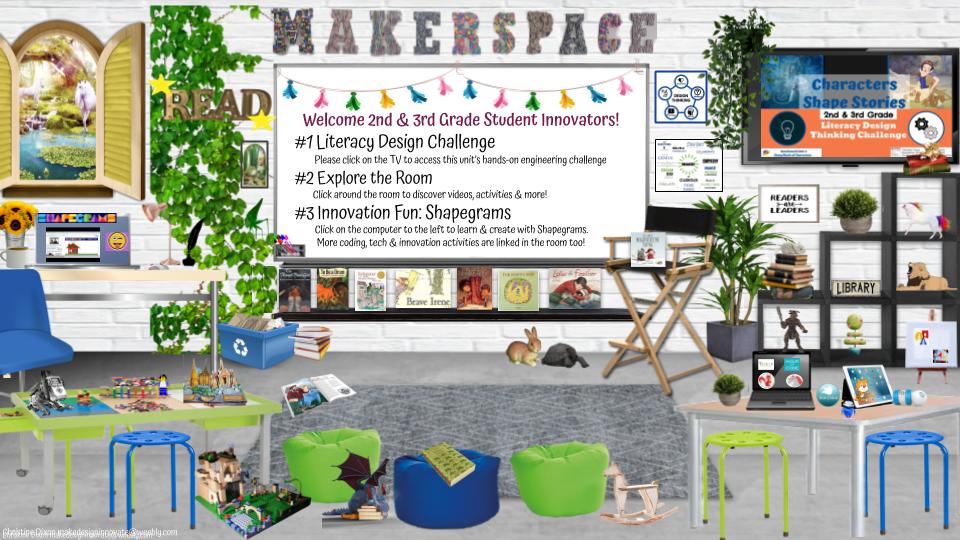
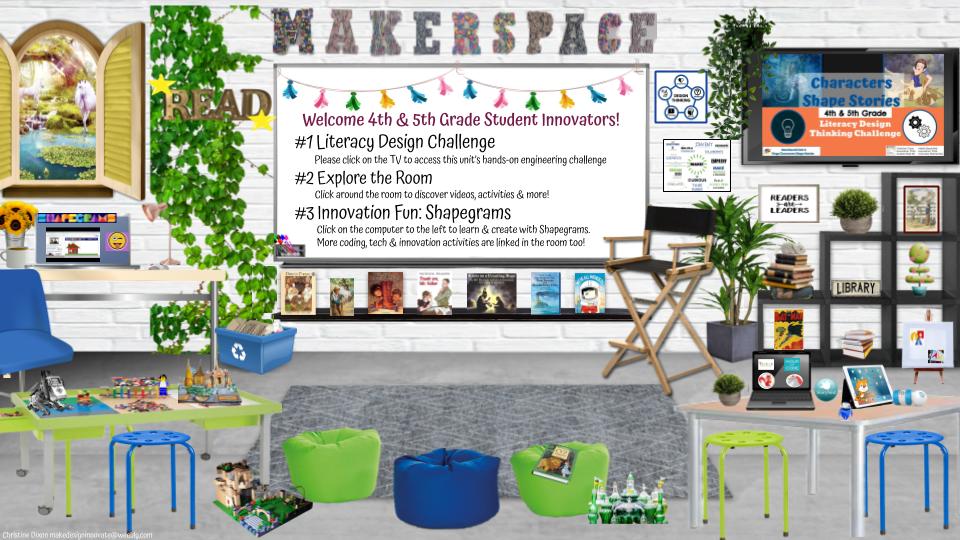
There are 3 makerspace versions (K/1, 2/3 and 4/5) all with a Literature and innovation theme.
These makerspaces were created to tie into the ELA Benchmark Unit 2 Characters theme, however, they can be used even if that is not your curriculum. (See here for Unit 1 Government themed Makerspaces)

Teachers: The following linked in the Makerspace need you to create a FREE class account so students have logins. If you do not set up, please delete from Makerspace
  • Storybird - (linked on computer table)students write their own stories with beautiful illustrations- great for creative writing & showing learning from Unit 2
  • Google CS First (Characterization) and Storytelling (linked on student computer)- free coding site that gives them access to Scratch coding
  • Brainpop- throughout, if you don’t have a subscription may need to take out.
Kinder/1st Grades
  • Preview
  • Your Copy
2nd/3rd Grades
  • Preview
  • Your Copy
4th/5th Grade
  • Preview
  • Your Copy

Unit 2 Characters :  design thinking challenges

This Design Thinking engineering challenge has been designed with the goal students can learn asynchronously, however, it would be beneficial for teachers to guide students along the process for accountability. The pacing and how you use this lesson is completely up to your discretion. ​
Part 2: Design Thinking Asynchronous Challenges: 
Teachers can assign through Google Classroom and encourage students to learn and play with the many innovation activities throughout Unit 2.
Kinder/1st Grades
  • Preview
  • Your Copy
2nd/3rd Grades
  • Preview
  • Your Copy
4th/5th Grade
  • Preview
  • Your Copy
​We hope these help teachers and encourage spreading innovation during distance learning. Please feel free to make a copy and modify for your own student innovators.
Stay tuned for more coming soon!
Happy Innovating,
Christine and Marla 
San Marcos Unified- TOSAs

What is Design Thinking?- Video for Students

9/10/2020


​I've never been able to find the right video overview of Design Thinking for my TK-8 students so I made this to help my students, our teachers, and hopefully any other educator interested in design thinking. 
This, in no way, is the perfect video or the exact way you should teach design thinking. Rather, it's an iteration...my iteration...on how design thinking happens in our Double Peak School Makerspace.
It's constantly changing as I go through the design thinking process as an educator myself. My pride of the Innovation Program we have built the past 5 years and the TK-8 innovators we are educating is immeasurable. 
Happy Innovating,
~Christine

Virtual Makerspaces- Literature Focused

9/5/2020

 
I just finished the 2nd set of our Virtual Makerspaces designed for our district's K-5 teachers and students and I am so excited!

These innovation virtual spaces are full of clickable links to videos, read alouds, online games, coding, edtech activities and more!

There are 3 makerspace versions (K/1, 2/3 and 4/5) all with a Literature and innovation theme. These makerspaces were created to tie into our ELA Benchmark Unit 2 Characters theme, however, they can be used even if that is not your curriculum. (See here for Unit 1 Government themed Makerspaces)

There will be a Part 2 post coming next week once my cohort, Marla Rosenthal, and I complete the Innovation lessons linked to the TVs. These will be hands-on Literature Design Thinking lessons we have created for teachers and students during distance learning.  
​
We hope these help teachers and encourage spreading innovation during distance learning.  Please feel free to make a copy and modify for your own student innovators.  Stay tuned for more coming soon!

Happy Innovating,
Christine

Kinder/1st Grades
  • Preview
  • Your copy
2nd/3rd Grades
  • Preview
  • Your copy
4th/5th Grades
  • Preview
  • Your copy

Virtual Makerspace & Innovation Lessons- Government Themed

8/29/2020

 
Are you looking to include some Innovation & edtech into your Benchmark plans with your students??

My friend and colleague, Marla Rosentha and I have you covered! 
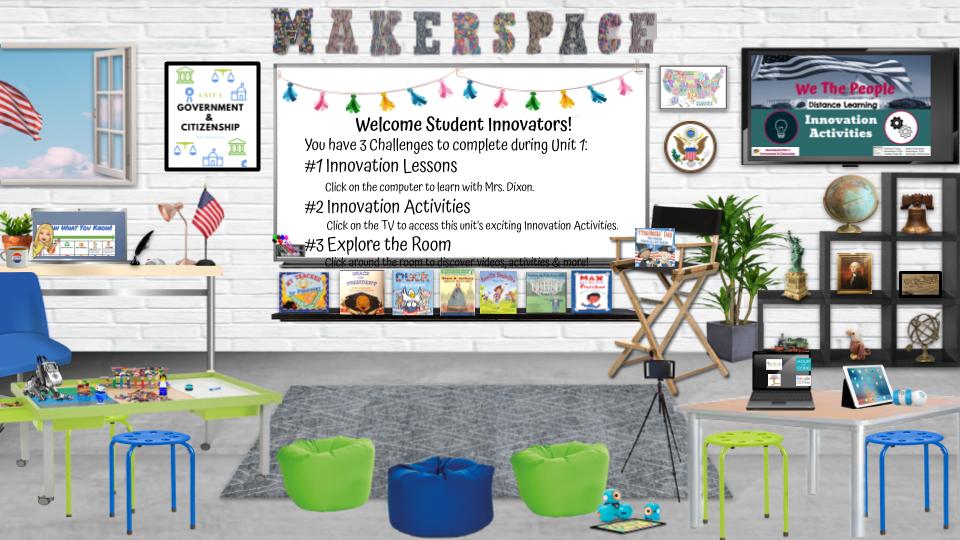
We are creating Virtual Makerspaces and Innovation Lessons that tie into ELA Benchmark unit themes. You can used these with your students even if you don't use this ELA curriculum.  This first unit is on Government and Citizenship.

We are both Innovation TOSAs who work with teachers and students on all things technology, coding, robotics, engineering, design thinking and more! We want to help all teachers interested in continuing innovation for students even during distance learning!

For each Benchmark theme, we will create a Virtual Makerspace full of clickable activities as well as a robust Innovation Lesson students can learn asynchronously.

Below links are a one-stop shop for all grades.
Notice the 1st link is the PREVIEW so you can check it out, the 2nd link is your very own copy. Please feel free to modify for your own students and instruction. 
Let me know how it goes and stay tuned for more coming soon!

​Happy Innovating,
~Christine

Preview Copy (all grades linked)

Your Copy (all grade level Virtual Makerspace and Innovation Lessons are linked in Speaker Notes):

"Show What You Know" Choice Boards for Distance Learning

7/21/2020

 
I have always been an advocate for giving students a choice in how they present their knowledge. Whether it is showing what they learned from a math lesson, a book they've read, or their cumulative understanding of an ELA unit of study, giving students the freedom in choosing the "how" to present the "what" is so crucial.  

I've made many versions of "Show What You Know" choice boards throughout my journey as Innovation Coordinator for TK-8.  I so enjoy teaching students ed-tech tools in the Innovation Lab and Makerspace and then seeing them use their tools in their toolbelts all year in their classrooms.  It also honors the unique personalities and strengths of our diverse students as well as the different ways they learn. If students all learn differently, shouldn't we give them a choice in how they represent this learning?

So as I try to plan for this next school year, I knew I needed to create a choice board that would continue to build and evolve no matter where we are on the distance learning journey.

Below are two versions of my "Show What You Know" choice board you can make a copy of for your own teaching.

Notice the Choice Board has a LOT of choices. You definitely do NOT want to give all of these choices at the start. It also depends on the age and grade-level of your students. Most importantly, it depends on your lesson and what knowledge you want students to show.  The idea is for the teacher to use the lock at the bottom left of the board to cover up those options that are not appropriate to the task or grade level.  I believe students will enjoy this gaming aspect and will also enable them to continually learn new tech tools throughout the year.

Show What You Know Choice Boards (click on the links for your copy)

Version #1 (without student tutorials): This was my 1st version and wanted to leave it without tutorials in case teachers, TOSAs or coaches wanted to modify for their own users

Version #2 (with student tutorials): This version is a prototype, meaning it will continue to grow and evolve throughout the year as I work with my students.  I have many more tutorials I need to create so check back often if you are interested. 

Lastly, I'd like to thank all of you for your overwhelming response to this labor of love! I am blown away with how many educators have reached out to me and are excited to use this with their students and schools. It makes me so happy to know that so many students may benefit from this choice board.   My Twitter and Instagram post responses are a testimony to my strong belief that we, as educators, are all in this together! The collaboration & sharing is crucial and even more important right now with distance learning. Thank you for being a part of my PLN!

Better Together,
​Christine

Virtual Dream Room Design & Shopping Spree- Student Tutorial Included

7/18/2020

 
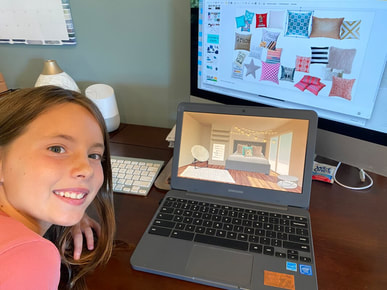
My daughter, Madilyn, has been begging me to teach her how to create her own virtual room after seeing my Virtual Makerspaces I've shared. Her favorite shows are on the HGTV Home network and she is constantly redesigning her room. 
In fact, during this COVID quarantine, she's become a bit obsessed with it (mom eye roll here).  So the other day I sat down and showed her a very rough tutorial and she went off to her room, laptop in hands.  Ten minutes later she came back and blew me away with her creation! I was not only impressed with her virtual interior decorating skills, I saw how she lit up with creativity and excitement. 


It made me realize that students should be creating these! It's actually a perfect way to start out the year for students to design their own classroom or room showing their unique personalities and a way to share their likes and passions with their teachers and classmates.

In addition, if we are to start the year with distance learning, how incredible would it be if teachers let them create their own digital learning environments? If you are a teacher who has created a virtual classroom, I highly encourage you to create the resources you want students to access, but then let your students do the designing. There's many ways to do this, I'll leave that to another blog post.  


Back to Maddie.  I dedicate this lesson and post to her and I hope you'll share it with your students to give them a chance to create their own.  They'll also learn a lot of tech tips and tricks as well with the video tutorials along the way. 

Happy Shopping!
👀Window Shop (preview version): bit.do/virtualdreamroomtutorial
🛒Go Shopping (your copy): bit.do/virtualdreamroomtutorialcopy
Picture

Got Virtual Makerspaces?

7/7/2020

 
Picture
Picture
Have you fallen down that Bitmoji/ Virtual Classroom Craze "rabbit hole" yet? Well, I definitely have! Who wouldn't? It's like playing with a virtual dollhouse, right? Maybe it's being cooped up due to COVID quarantine but anyone else redesign their actual living spaces multiple times as I have? I've made an office, redecorated my kids' rooms, built an outdoor living area, and transformed my 3rd car garage into a workout room. I'm driving my husband nuts!

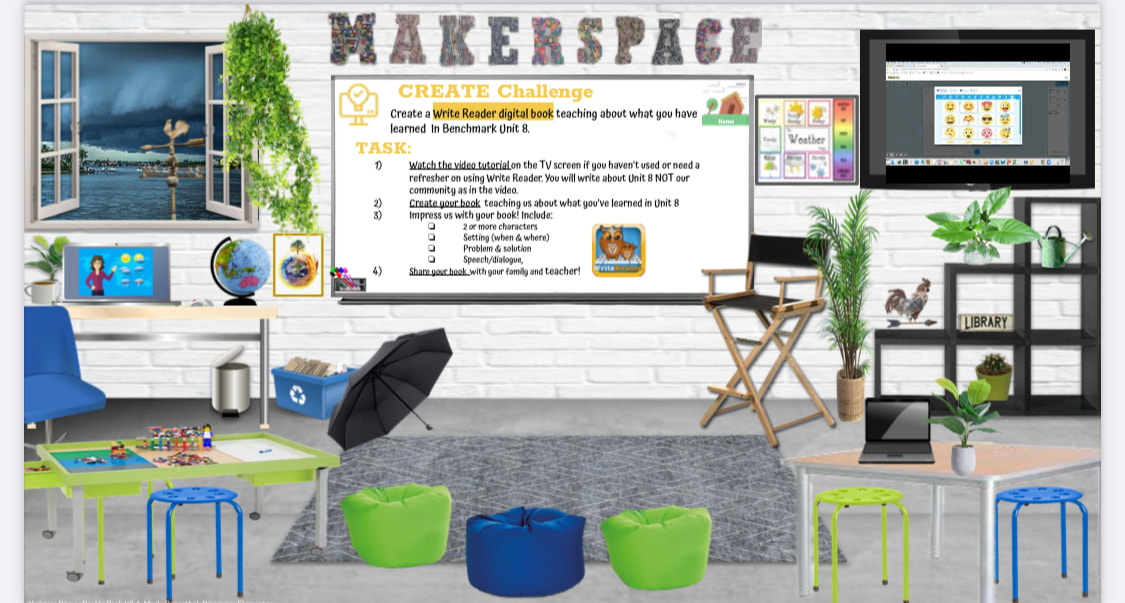
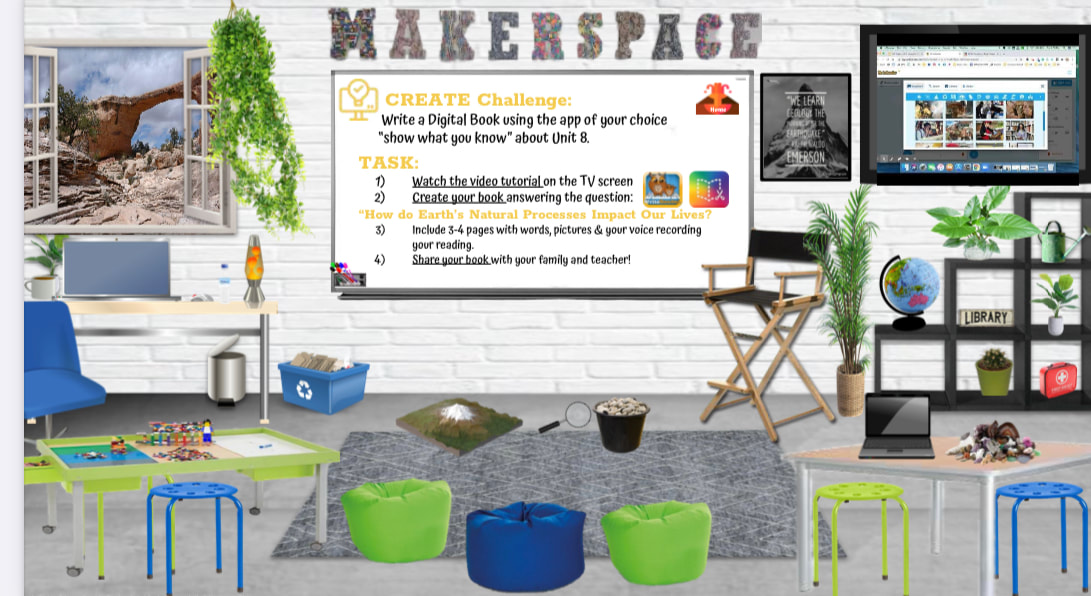
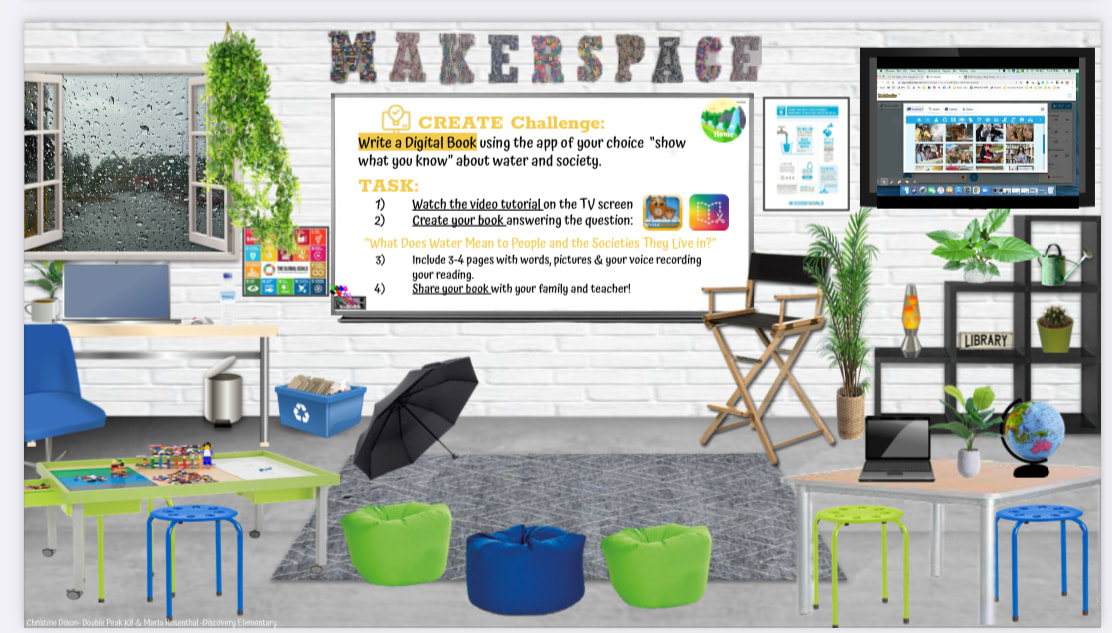
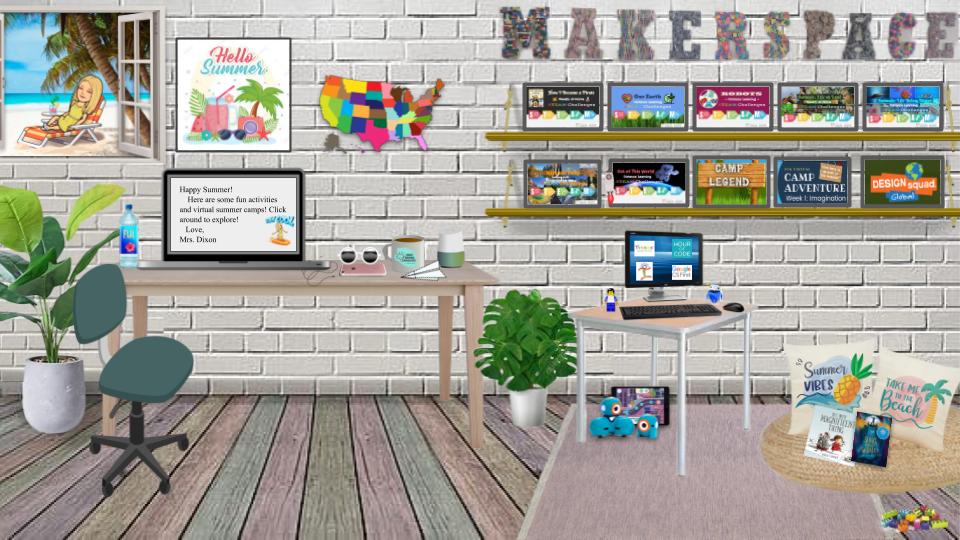
Added to the huge need for interior design, the unknown of what school will look like in the fall has had me playing with my own version of these virtual classrooms, Makerspace style!

I began in May by creating my Summer At Home Virtual Makerspace. Click here to preview and feel free to make a copy for your own.
My project now is creating these Virtual Makerspaces for K-5 according to ELA Benchmark Advance themes and adding in the STEAM lessons my friend and fellow STEAM colleague Marla Rosenthal and I create for our district.  Click here to see these pretty awesome 7 STEAM Challenges we made to share for distance learning.

For any of my fellow STEAM/STEM/Makerspace teachers who are in the same uncertain place, I wanted to share this unfinished project just in case it may help. I'll continue to update here as I go.

PHASE 1: Just the Bones
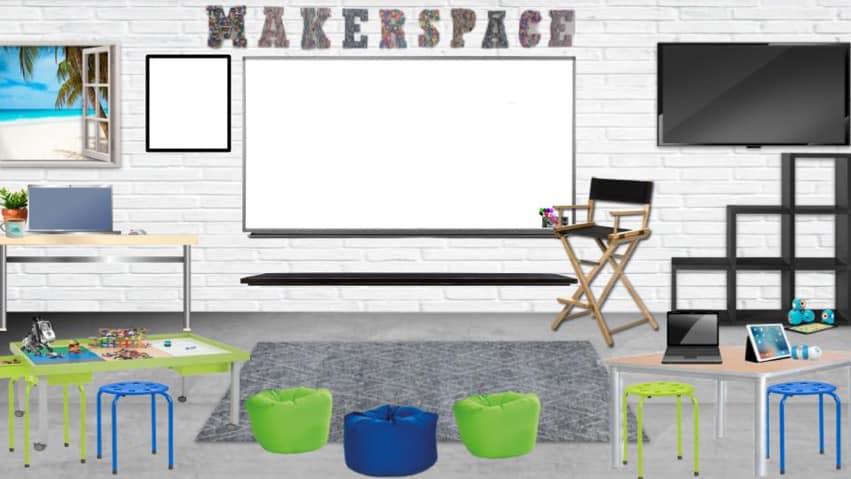
Here's my Virtual Makerspace for now. This is the structure of it and am adding this now in case anyone wanted just the structure of it without themes. Note everything is editable, just go to Slide Menu and Edit Master.
Preview: https://docs.google.com/presentation/d/1FKEpaFgvLONfT8sW6BdGX7wBNiWzMn0Zrl3cd8zM9Yk/preview
Copy: https://docs.google.com/presentation/d/1FKEpaFgvLONfT8sW6BdGX7wBNiWzMn0Zrl3cd8zM9Yk/copy

PHASE 2: Virtual Classroom Example- Government Themed
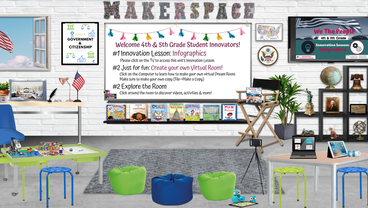
Here's a work in progress so you can get an idea of what I'm creating. This one is a Government themed (works for our ELA Benchmark theme but can be really for anyone) The innovation lessons and innovation activities (see whiteboard) aren't linked yet because they are not finished. Stay tuned! 
Picture

At Home STEAM Distance Learning Activities for Teachers and Students

5/11/2020

 
As we quickly and without warning pivoted to Distance Learning on March 13, 2020, it weighed heavily on my heart that all my plans for innovation TK-8 would halt abruptly.  I knew that no matter what distance learning looked like we MUST keep innovation  going for our students.  Therefore, my counterpart and friend, Marla Rosenthal and I dove into creating these Thematic At-Home STEAM Distance Learning Resources we could share not only with our schools, but our districts and beyond.  We are very happy to share these freely because we want to spread innovation and we know as educators, we are absolutely Better Together!  Click on the links below for the lessons, feel free to modify for your own classrooms, schools and districts, and keep innovation happening in every students' education!
Picture
Your Copy
Spanish Version
Picture
Your Copy
​Spanish Version
Picture
​Your Copy
Spanish Version
Picture
Your Copy
Spanish Version
Picture
Your Copy
Spanish Version
Picture
Your Copy
Picture
Your Copy
Spanish Version
Picture
Your Copy
Spanish Version

View this post on Instagram

I miss my student innovators so very much! â–¡ . I miss seeing their "aha" moments â–¡, their "look what I made" proud moments â–¡, their excitement when they enter the lab and makerspaceâ–¡, the hugs â–¡, the "Mrs. Dixon!!" calls & excited waves as I'm passing by â–¡â–¡, the "Are you open?" begging â–¡at the makerspace door in the mornings...I miss them so dang much! . So the pictures and videos sent to me of students still innovating mean the world to me! â–¡ . Their continued excitement in all things innovation during #distancelearning fuels me! . It makes me excited to dive into making the next At-Home #STEAM challenge for them because I owe it to them â–¡ #remotelearning #flippedclassroom #onlinelearning #onlineteaching #virtualschool #TeacherTipsCOVID19 #covidEDU

A post shared by Christine Dixon (@makedesigninnovate) on Apr 19, 2020 at 11:29am PDT

View this post on Instagram

Here's #2 of our week-long challenges @teachseusskids & I are sharing to spread #STEAM during #distancelearning just in time for next week's #EarthDay celebration! . . □Earth Day♻️ At-Home S□T□E□□M□Challenges _ _ _ _ _ _ _ _ _ _ _ _ _ _ _ _ _ _ _ _ _ _ _ _ _ _ _ □ tinyurl.com/athomeSTEAMEarthDay □ _ _ _ _ _ _ _ _ _ _ _ _ _ _ _ _ _ _ _ _ _ _ _ _ _ _ _ We'll be sharing these freely as we go because we are all #BetterTogether □ Please share! . □ Want to collaborate? Next week is all things #STEAM Robot Style □ Let us know your ideas for science, technology, engineering, arts, and math robot activities □

A post shared by Christine Dixon (@makedesigninnovate) on Apr 15, 2020 at 4:33pm PDT

View this post on Instagram

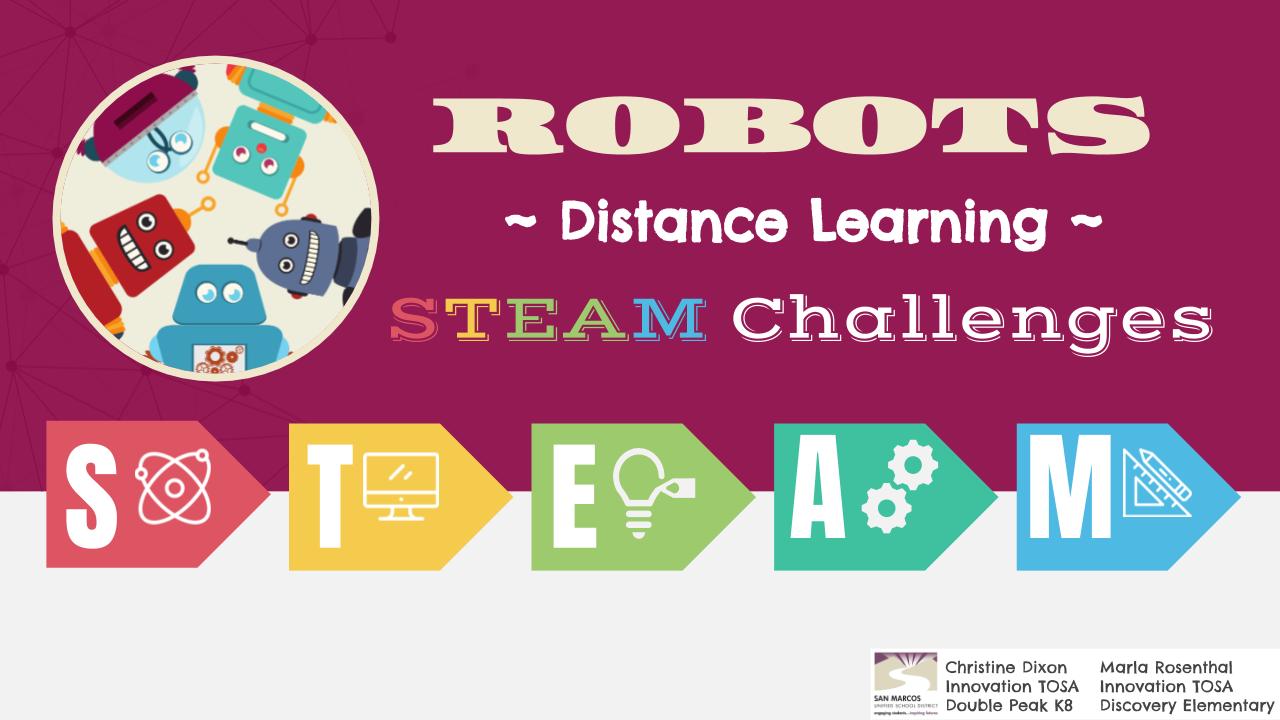
We're rolling out another At-Home S□T□E□□M□ Challenges for #distancelearning and this week's theme is all #STEAM things ROBOTS! □‬ _ _ _ _ _ _ _ _ _ _ _ _ _ _ _ _ _ _ _ _ _ _ _ _ ‪ □□tinyurl.com/athomeSTEAMRobots□□‬ _ _ _ _ _ _ _ _ _ _ _ _ _ _ _ _ _ _ _ _ _ _ _ _ ‪@teachseusskids & I would ❤️ if you would share with your students!‬ _ _ _ _ _ _ _ _ _ _ _ _ _ _ _ _ _ _ _ _ _ _ _ _ ‪ #STEM #MakerEd #csk8 #cs4all #remotelearning‬

A post shared by Christine Dixon (@makedesigninnovate) on Apr 23, 2020 at 8:28am PDT

View this post on Instagram

Here's our next #distancelearning At-Home S□T□E□□M□Challenges @teachseusskids & I created for our @sanmarcosusd district and are sharing to all teachers out there to make it easy to spread #STEAM & innovation to all students! _ _ _ _ _ _ _ _ _ _ _ _ _ _ _ _ _ _ _ _ _ _ _ _ _ _ □□□tinyurl.com/athomeSTEAMLifeonLand □ □□ _ _ _ _ _ _ _ _ _ _ _ _ _ _ _ _ _ _ _ _ _ _ _ Links to all 4 of our STEAM slide decks in bio! We hope these are useful to you! Please share! ♥️□□ . #BetterTogether #TsGiveTs #STEM

A post shared by Christine Dixon (@makedesigninnovate) on Apr 28, 2020 at 4:33pm PDT

View this post on Instagram

□‍♀️Are you ready for another free (always □) #remotelearning #takeandteach resource for you!?! . Here's our next S□T□E□□M□Challenges @teachseusskids & I are sharing with all educators to help spread #STEAM & innovation to all Ss during #distancelearning Please share! #BetterTogether #TsGiveTs ❤️ _ _ _ _ _ _ _ _ _ _ _ _ _ _ _ _ _ _ _ _ _ _ _ _ _ □□□ tinyurl.com/athomeSTEAMLifeBelowWater□□□ . _ _ _ _ _ _ _ _ _ _ _ _ _ _ _ _ _ _ _ _ _ _ _ _ . Link in bio ✌️ . . #STEM #flippedclassroom #onlinelearning #onlineteaching #virtualschool #TeacherTipsCOVID19 #covidEDU #quaranteach #covidedu

A post shared by Christine Dixon (@makedesigninnovate) on May 5, 2020 at 1:32pm PDT

View this post on Instagram

Here's #6 of our Sâ–¡Tâ–¡Eâ–¡A â–¡M Challenges! _ _ _ _ _ _ _ _ _ _ _ _ _ _ _ _ _ _ _ _ _ _ _ _ _ _ _ This one is all about teaching students about our beautiful National Parks! . â–¡â–¡tinyurl.com/athomeSTEAMNationalParkâ–¡â–¡ . _ _ _ _ _ _ _ _ _ _ _ _ _ _ _ _ _ _ _ _ _ _ _ _ _ _ _ Please share & help spread #STEAM learning during #distancelearning â–¡ #BetterTogether #TsGiveTs #remotelearning #COVIDedu . . . . #makereducation #makered #makersmovement #makerspace #makersgonnamake #steamedu #steameducationforkids #stem #stemedu #stemeducation #iteachsteam #iteachstem #engineeringdesignprocess #innovation #innovationeducation #edtech #teachoutsidethebox #teachersofinstagram #4thchat #iteach4

A post shared by Christine Dixon (@makedesigninnovate) on May 13, 2020 at 8:26am PDT

View this post on Instagram

I'm seriously having SO much fun creating these virtual classrooms! □ _ _ _ _ _ _ _ _ _ _ _ _ _ _ _ _ _ _ _ _ _ _ _ _ _ _ _ This one was a collaboration between my friend and fellow tech nerd @laurieanastasio2 □and me to help our district streamline and make a whole LOT of info/links easier to navigate (seriously, swipe to see the "before" to see what we worked with! □) _ _ _ _ _ _ _ _ _ _ _ _ _ _ _ _ _ _ _ _ _ _ _ _ _ _ _ Most importantly, it is so much more visually appealing and FUN for students to click around and explore all in ONE place. Every single item is hyperlinked to activities/lessons created by our district's PE, Music, Innovation, Library, Counseling, Math and so much more! □□□□❤️ _ _ _ _ _ _ _ _ _ _ _ _ _ _ _ _ _ _ _ _ _ _ _ _ _ _ _ We had so much fun doing it together in real-time I'm going to teach students how to create them so they can do it with friends virtually. Teachers can pair students and have them create one to "show what they know" from their content. I feel like the possibilities are endless! □□ _ _ _ _ _ _ _ _ _ _ _ _ _ _ _ _ _ _ _ _ _ _ _ _ _ _ _ □‍♀️What ideas do you have for students using this as a creative and collaborative way to show their knowledge during this #distancelearning ? Please share? □ . . . #GAFE #googleslides #Bitmoji #edtech #remotelearning #flippedclassroom #onlinelearning #onlineteaching #virtualschool #TeacherTipsCOVID19 #covidEDU #quaranteach #covidedu

A post shared by Christine Dixon (@makedesigninnovate) on May 14, 2020 at 4:12pm PDT

View this post on Instagram

□In celebration of next week's @NASA @SpaceX Launch here is an Out of This World #STEAM Challenges to get all students excited about Space during #distancelearning □‍□ _ _ _ _ _ _ _ _ _ _ _ _ _ _ _ _ _ _ _ _ _ _ _ _ _ _ _ □Please share!□ . □□tinyurl.com/athomeSTEAMSpace □□ (Link also in bio) _ _ _ _ _ _ _ _ _ _ _ _ _ _ _ _ _ _ _ _ _ _ _ _ _ _ _ Tune in next Wed May 27th & watch #LaunchAmerica live! Go to http://nasa.gov/launchamerica for more information! □ Special thanks to @Stem4Kids for letting me know about this exciting and timely event! . This is #7 of STEAM Challenges & will be last for the year BUT @teachseusskids & I have so much fun creating & collaborating on these we have some plans for next school year! Stay tuned! □□ #STEAMDreamTeam _ _ _ _ _ _ _ _ _ _ _ _ _ _ _ _ _ _ _ _ _ _ _ _ _ _ _ . . #BetterTogether #TsGiveTs #remotelearning #COVIDedu #STEM #MakerEd #NASAathome #Space #SpaceX #flippedclassroom #onlinelearning #onlineteaching #virtualschool #TeacherTipsCOVID19 #covidEDU #quaranteach #covidedu

A post shared by Christine Dixon (@makedesigninnovate) on May 20, 2020 at 11:33am PDT

View this post on Instagram

☀️□5 Days of school left until Summer! ☀️□ . Here is a Summer Innovation Virtual Makerspace I made for my students. Every click leads them to a fun activity in the areas of #STEAM #STEM and innovation they can do at home. _ _ _ _ _ _ _ _ _ _ _ _ _ _ _ _ _ _ _ _ _ _ _ _ _ _ _ □ tinyurl.com/athomeSTEAMSummerpreview □ . Feel free to make a copy for yourself, add your BItmoji, and modify for your own students! . □tinyurl.com/athomeSTEAMSummer □ _ _ _ _ _ _ _ _ _ _ _ _ _ _ _ _ _ _ _ _ _ _ _ _ _ _ _ Thank you @candytechideas for helping curate some of these and @myedtechworld for your amazing Camp Legend FREE virtual summer camp you created! □ Most importantly, thank you to @teachseusskids for ALL the fun we had in creating our 7 #distancelearning #STEAM Challenges we can share with ALL students far and wide!□□ #BetterTogether #TsGiveTs

A post shared by Christine Dixon (@makedesigninnovate) on Jun 4, 2020 at 11:44am PDT

And Here We Are...

3/13/2020

 
Perhaps it was a perfect date to mark the day that marked a complete transformation to what our "normal" looked like.  Friday the 13th was the day when we were all working happily with our students and heard whisperings throughout the day that we would not be returning due to Quarantine restrictions.  At that point, none of us would ever predict it would be through the summer months. It. Was. Surreal! The next few months of distance learning were stressful, insanely busy, and absolutely unprecedented.  I was not only working to help all teachers district-wide try to navigate distance learning, I was continuing desperately try to keep innovation happening for all students, and also help my own daughters deal with this online learning.  Here are some highlights that I look forward to looking back on during better education times and reflecting on how we all were forced to be design thinkers, innovators, and engineers in this changing world!
View this post on Instagram

Driving into work today I had so much stress going on in my head and got to school to see this. I so needed this □♥️

A post shared by Christine Dixon (@makedesigninnovate) on Mar 13, 2020 at 7:56am PDT

View this post on Instagram

Don't forget to have students be creative and make □...you never know what they will invent with these new problems that didn't exist before □ ❤️ . . . #homemakerspace #designthinking #learningmachine #COVID19 #teachertipscovid19 #remotelearning #distancelearning

A post shared by Christine Dixon (@makedesigninnovate) on Mar 16, 2020 at 2:14pm PDT

View this post on Instagram

Oh @flipgrid what would we do without you during these #remotelearning days?? □ . I've always had #flipgridfever but now being able to connect & give a platform for students to share during this crazy time...I just can't thank you enough! □□□□ . ✅ First Innovation Challenge grid sent out to all #dpsk8 students: Build your Home Makerspace . □‍♀️Are you using Flipgrid to connect remotely? Share your ideas □ . . . #teachertipsCOVID19 #distancelearning #remotelearning #flipgrid #teachersofinstagram #STEAM #iteachsteam #iteachstem #stem #stemedu #makerspace #MakerEd #makersgonnamake

A post shared by Christine Dixon (@makedesigninnovate) on Mar 21, 2020 at 10:18am PDT

View this post on Instagram

We are SO grateful for our Amazon driver, post office, & all deliveries during #COVID19 ♥️□ . #GratitudeduringCovid19 #gratitudeshoutouts

A post shared by Christine Dixon (@makedesigninnovate) on Mar 21, 2020 at 1:11pm PDT

View this post on Instagram

I love this poem I saw shared on FB, I added the images. DM me if you want me to share with you! ❤️❤️❤️❤️❤️❤️❤️ #hope #wewillgetthroughthis #TeachertipsCOVID19 #COVID19 #GratefulduringCOVID19

A post shared by Christine Dixon (@makedesigninnovate) on Mar 21, 2020 at 4:24pm PDT

View this post on Instagram

Anyone else go through a bit of sadness as you deleted what was going to be the rest of the school years events, activities & celebrations? □‍♀️□ . I never ever thought my long list of To Dos ✅ and my full calendar □️ would be completely cancelled or deemed insignificant in one full swoop! ❌ . Instead they've been replaced with Zoom/Google Meets throughout the day, webinars, emails, distance learning content & supporting teachers in all of the above which I love doing! □ . It's all so surreal but I'm confident we as educators will all be stronger through this as we are forced to grow professionally in every way! □ . □♥️□♥️□♥️□♥️ I'm just so thankful for all of YOU! I am learning so much from all of you sharing yours and others ideas & resources! Thank you to every single person reading this post for being a part of my #PLN during this crazy #distancelearning adventure! □ #BetterTogether . #GratitudeduringCOVID19 #gratitudeshoutouts #COVIDedu #remotelearning #TeacherTipsCOVID19

A post shared by Christine Dixon (@makedesigninnovate) on Mar 25, 2020 at 4:22pm PDT

View this post on Instagram

My 10 yr old was busy in her room & then came out with these & with a note: "Stay safe & healthy here are 4 masks. Pick one or more to fit!" â–¡â–¡ . Don't worry Easter Bunny â–¡ she's got you covered! â–¡ . #empathy #designthinking #designthinkingedu #COVID19 #stayhome #quarantine #COVIDEdu #easter

A post shared by Christine Dixon (@makedesigninnovate) on Apr 11, 2020 at 3:17pm PDT

View this post on Instagram

You know that feeling of pride in your ❤that is SO huge it is indescribable?? That's what I feel for ALL teachers, families, & these sweet smiling faces I miss so much! □ _ _ _ _ _ _ _ _ _ _ _ _ _ _ _ _ _ _ _ _ _ _ _ _ _ _ _ Today was our 1st Day of Distance Learning and I couldn't be more proud of our students, families, teachers & staff! □ SO SO many new procedures, expectations, activities, ways to teach, ways to learn, SO MANY technology hurdles...it definitely feels like the 1st week of school + 1st week of teaching combined! □ _ _ _ _ _ _ _ _ _ _ _ _ _ _ _ _ _ _ _ _ _ _ _ _ _ _ _ The best I can call my new job during this craziness is "Teacher Tech Triage." □□ I am working for not only my school but the entire district (again, as I was as an Edtech TOSA), and as most during this #distancelearning adventure, I am trying desperately to keep a couple of steps ahead of teachers, their needs, technology, etc. I'm trying to "catch" them before they fall, absorb all the overwhelming amount of information being thrown our way, & curate it all so they can focus on their instruction and their students. I. Am. EXHAUSTED. □ _ _ _ _ _ _ _ _ _ _ _ _ _ _ _ _ _ _ _ _ _ _ _ _ _ _ _ BUT the feeling that is more than that is PRIDE. Proud of all teachers tackling, conquering, embracing, learning, adapting, OWNING this whole new education place we are at! As @mr.aspinall posted, "I think it’s fair to eliminate the “I’m just not very techie” from our vocabulary. It’s no longer an option." This is just one example of so many silver linings to this all. □ _ _ _ _ _ _ _ _ _ _ _ _ _ _ _ _ _ _ _ _ _ _ _ _ _ _ _ I hope you're all hanging in there, feeling proud & finding silver linings! □

A post shared by Christine Dixon (@makedesigninnovate) on Apr 14, 2020 at 6:20pm PDT

View this post on Instagram

. Ended a very busy, stressful day with opening an exciting package my hubby is rolling his eyes at □ . What do you think the best answer is? □ . A) COVID #quarantine impulse buy? □ B) 4 days away from the LAMEST #stayathome 40th birthday imaginable □pick-me-up gift?□ □ C) Trying for my legit Super Hero Nerd Status complete with ALL the gadgets??□⌚️□□

A post shared by Christine Dixon (@makedesigninnovate) on Apr 14, 2020 at 8:09pm PDT

View this post on Instagram

It was SUCH a huge surprise to be honored with DPS Certificated Staff of the Year today during our all staff Google Meet. Like seriously, so beyond surprised!□ . They even got my sisters to jump in on the call which didn't ruin the surprise because there was over 100 staff in the meeting! . My family was waiting in the other room & ran in with flowers and champagne! □□ . It may be a bummer not to be in person for anyone else, but for me...it was absolutely perfect!! I've led teachers into this crazy distance learning world & getting honored virtually followed by a flower/wine drop off, SO many messages and calls was absolutely beautiful! ❤️❤️❤️❤️❤️❤️

A post shared by Christine Dixon (@makedesigninnovate) on Apr 17, 2020 at 3:50pm PDT

View this post on Instagram

I am in tears □watching these @Flipgrid videoes that were taken as a surprise for me being awarded Teacher of the Year today! □ Swipe to just see a few □ . Flipgrid saves the day once again, especially during #distancelearning & #socialdistancing □□ . Thank you @beccadietor for setting up this Super Secret Flipgrid that I will cherish forever and ever! ❤️❤️ . #heartishuge #flipgridfever #COVIDEdu

A post shared by Christine Dixon (@makedesigninnovate) on Apr 17, 2020 at 5:56pm PDT

View this post on Instagram

We fought, we took breaks, we failed SO many times, and we persevered! My 3D printer and I that is □ . Feeling proud that my 1st batch of 100+ mask ear protectors are ready to be dropped off for a @dpsk8suns nurse parent who works at Scripps □□❤️ . #dpsk8 #dpsinnovation #COVIDedu

A post shared by Christine Dixon (@makedesigninnovate) on Apr 21, 2020 at 7:59am PDT

View this post on Instagram

Sometimes you just need to say peace out ✌️to #distancelearning , the uncertainty, the stress, the sadness in missing everyone and everything...and go search for what your normal used to look like. It was SO good for our souls after school today! □ . What are you doing to remind you of your “normal”? Please share? □ If you have been like me for the last 7+ weeks and haven’t searched for that please do so. You deserve it. It will fuel your soul! . ❤️❤️❤️❤️❤️❤️❤️❤️❤️❤️❤️❤️❤️ Wishing you all happiness especially during this #teacherappreciationweek You are rocking this! And I appreciate you all so much! □

A post shared by Christine Dixon (@makedesigninnovate) on May 6, 2020 at 7:15pm PDT

View this post on Instagram

#PROUD #Repost @doublepeakpto with @make_repost ・・・ Welcome to Double Peak School: Printing, Making, Helping!⠀ We are a group of DPS volunteers working collectively to do our part to help frontline healthcare workers, DPS staff and community, and DPS families in need during the COVID-19 pandemic. Together we can make a difference. https://bit.ly/dpsmakes

A post shared by Christine Dixon (@makedesigninnovate) on May 6, 2020 at 9:23pm PDT

View this post on Instagram

‪Proud to package up over 300 □ ear savers for @dpsk8suns to give to local hospitals □ ‬ ‪ . Even made it a math activity for my kinder □□ ‬ . ‪We are using funds donated to continue to print as well as help families in need ❤️ . ‬ ‪#3dprinting #homegaragefactory #mathathome #FlattenTheCurve #PPE #COVID19‬

A post shared by Christine Dixon (@makedesigninnovate) on May 11, 2020 at 5:40pm PDT

View this post on Instagram

Getting pictures of gratitude from nurses at UCSD â–¡ wearing the ear fasteners â–¡ we have been 3D printing & donating makes us SO happy! â–¡ Bit.ly/dpsmakes #3Dprintingforgood #COVID__19 #NationalNursesWeek #HealthcareHeroes #nursesofinstagram

A post shared by Christine Dixon (@makedesigninnovate) on May 17, 2020 at 9:43am PDT

View this post on Instagram

‪□Anyone else realizing you've increased your use of Emoji & Bitmojis during #distancelearning ?‬ ‪ . I mean...should I be changing my Bitmoji outfits each day? □□‬ ‪ . I guess it brightens up everything in this distant, #remotelearning world?? □□‬ ‪ . Who's with me??□‬ . . ‪ #flippedclassroom #onlinelearning #onlineteaching #virtualschool #TeacherTipsCOVID19 #covidEDU #quaranteach #covidedu

A post shared by Christine Dixon (@makedesigninnovate) on Apr 29, 2020 at 2:45pm PDT

View this post on Instagram

Today was the day I finally had to face going in to my Makerspace...gloves and masks required & it was so hard □ I DEFINITELY wasn’t very productive! □ I more wandered around aimlessly not quite sure what to throw away or do since I have no idea what next school year will look like. As I left I snapped a couple pics of the poster that hangs on the wall of students creating in our Makerspace. I am so hopeful the collaboration, creativity & curiosity this beloved space brings out in students K-8 can continue to thrive! But I’m reminded of what I say all the time, it’s not about the space it’s about the Maker Mindset. I’ll work on that. □

A post shared by Christine Dixon (@makedesigninnovate) on May 18, 2020 at 1:53pm PDT

View this post on Instagram

This weekend I created this little spot in our front yard under my very favorite tree & I’m in love with it. Perfect way to end our device-heavy days of #distancelearning with the wind, birds & nature ❤️

A post shared by Christine Dixon (@makedesigninnovate) on May 4, 2020 at 5:10pm PDT

View this post on Instagram

Peace out #distancelearning ✌️ We pivoted, learned, grew, adapted, innovated...and we hung on tight for the wild ride □ . We will NOT miss you at ALL!! . P.s. Please figure out your hot mess of a situation by fall. Please and thank you □ □ . #summervibes #summer2020 #mommyhat #relaxingtime #familytime #goawaycovid19 #stayhealthy

A post shared by Christine Dixon (@makedesigninnovate) on Jun 10, 2020 at 5:41pm PDT

<<Previous

    ​

    Archives

    January 2022
    October 2021
    August 2021
    April 2021
    March 2021
    February 2021
    January 2021
    October 2020
    September 2020
    August 2020
    July 2020
    May 2020
    March 2020
    February 2020
    January 2020
    December 2019
    November 2019
    October 2019
    September 2019
    August 2019
    May 2019
    September 2018
    August 2018

    Categories

    All
    1st Grade
    2nd Grade
    3D
    3D Printing
    3rd
    3rd Grade
    4th Grade
    5th Grade
    6th Grade
    7th Grade
    8th Grade
    A Day In The Life Of A STEAM Teacher
    ARVRinEDU
    Augmented Reality
    Before School/After School
    Beginning Of Year
    Benchmark ELA
    Computer Science
    Computer Skills
    CoSpaces
    Design Thinking
    Digital Citizenship
    Digital Storytelling
    Distance Learning
    Engineering
    Flipgrid
    GAFE
    Google Drawing
    Google Slides
    Graphic Design
    Green Screen
    History
    Hour Of Code
    Innnovation Lab
    Innovation Lab
    Kinder
    Literacy Design
    LittleBIts
    Makerspace
    Makerspace Mornings
    Makerspace Organization
    Makerspace Problems :)
    Makey Makey
    Math
    Ozobot
    Presentations
    Professional Development
    School Tours
    Show What You Know
    STEAM
    StopMotionAnimation
    Video Creation
    Virtual Reality
    Weekly At Home STEAM
    Writing

Powered by Create your own unique website with customizable templates.